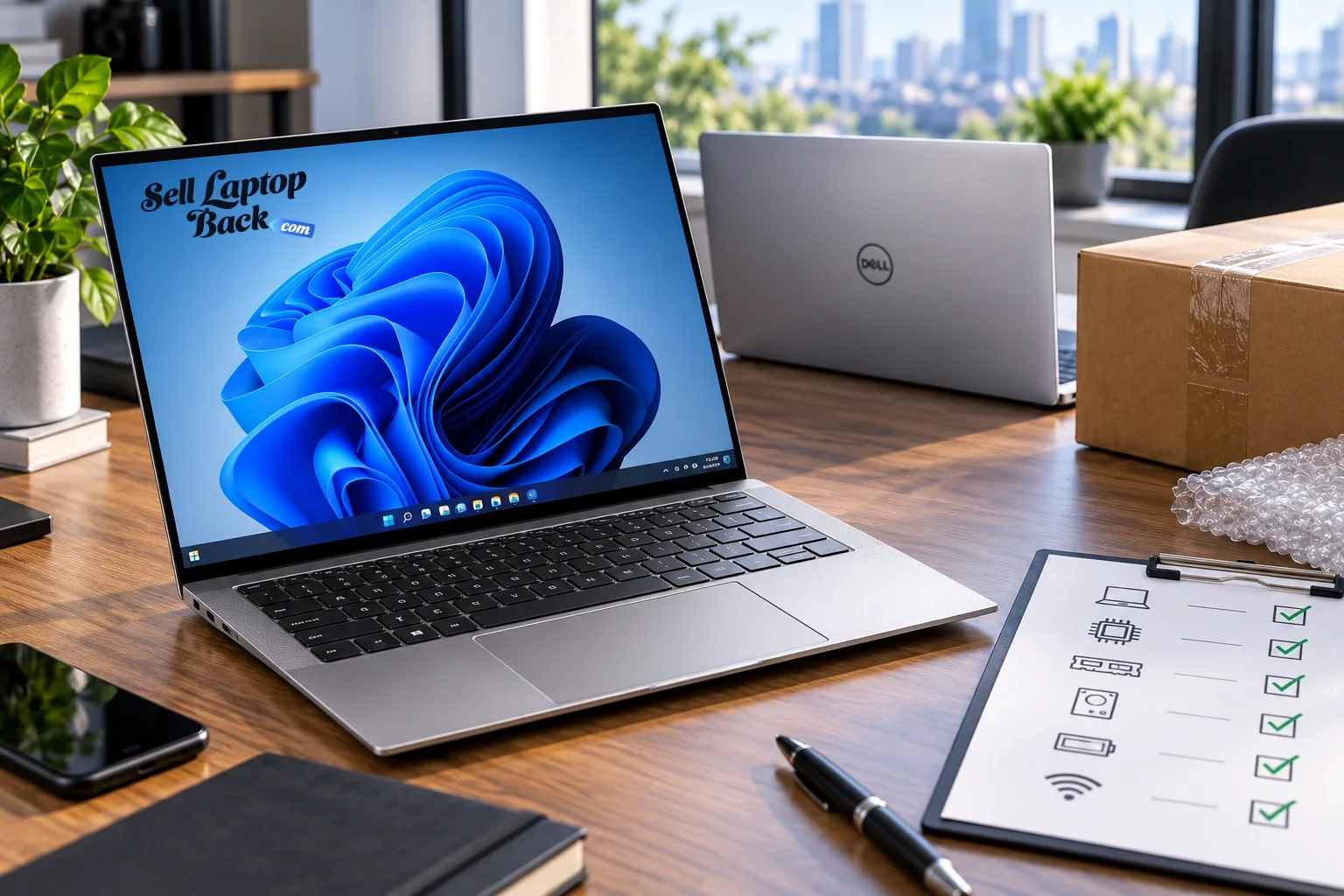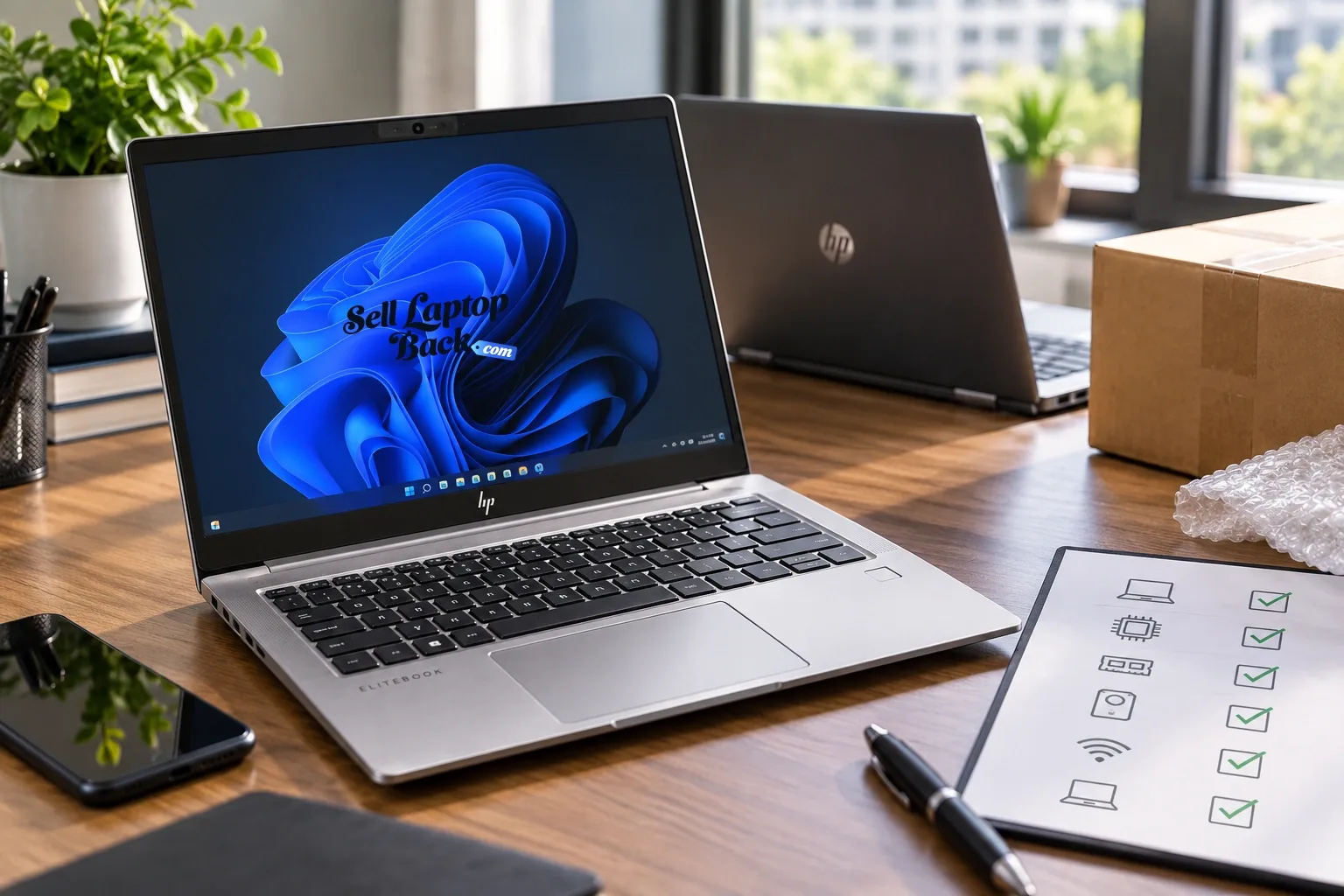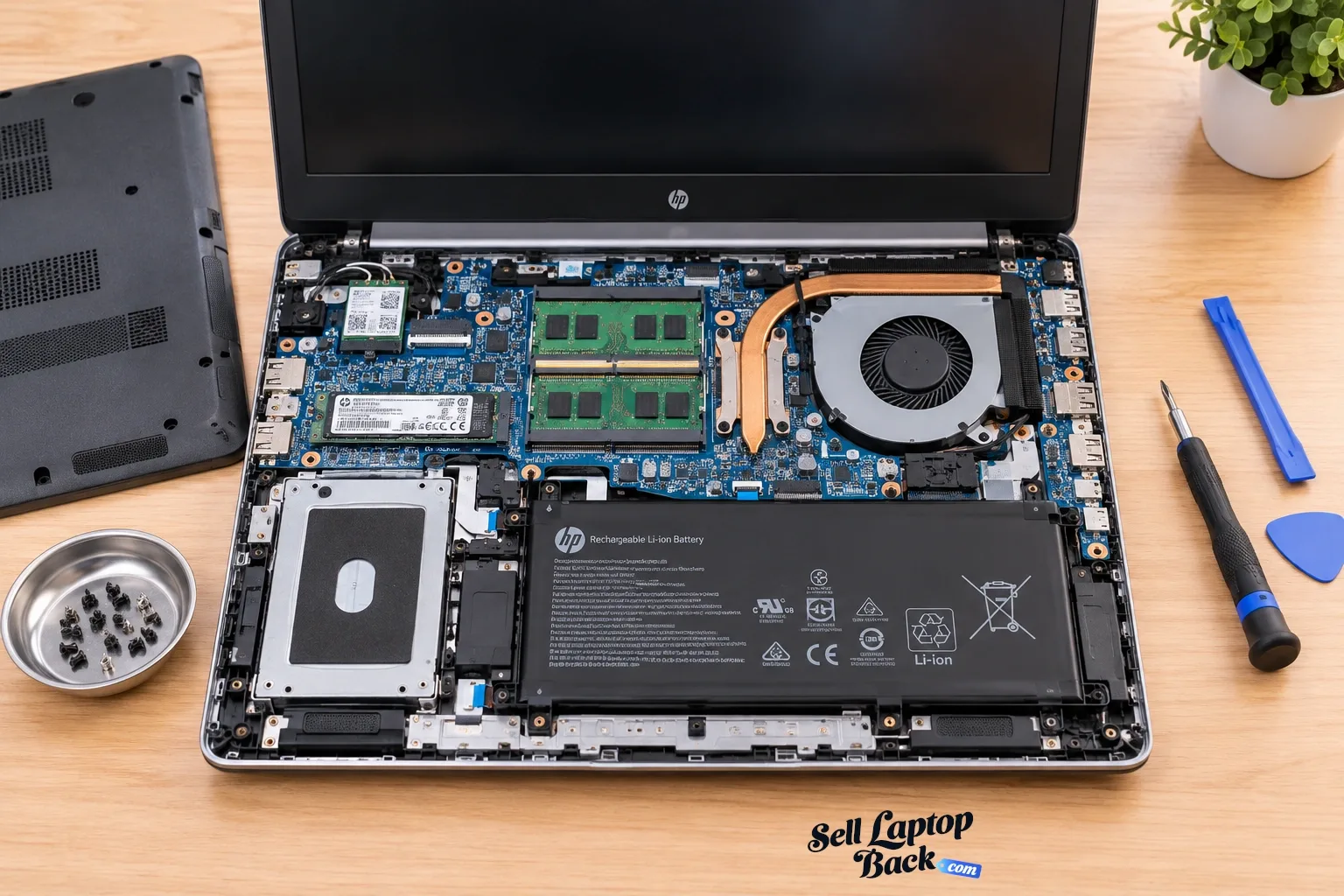
On this page
- Why the Holidays Leave So Many Old Laptops Unused
- Watch: An Early SellBroke Holiday Buyback Video
- Can You Sell an Old Drone for Cash Too?
- Old DJI Drones Can Still Have Resale Value
- What Should You Check Before Selling a Used Drone?
- Sell the Old Technology After You Upgrade
- Is an Old Laptop Actually Worth Money?
- Don't Base Today's Value on the Original Purchase Price
- Should You Sell an Old Laptop Now or Keep It?
- Waiting Can Reduce Laptop Resale Value
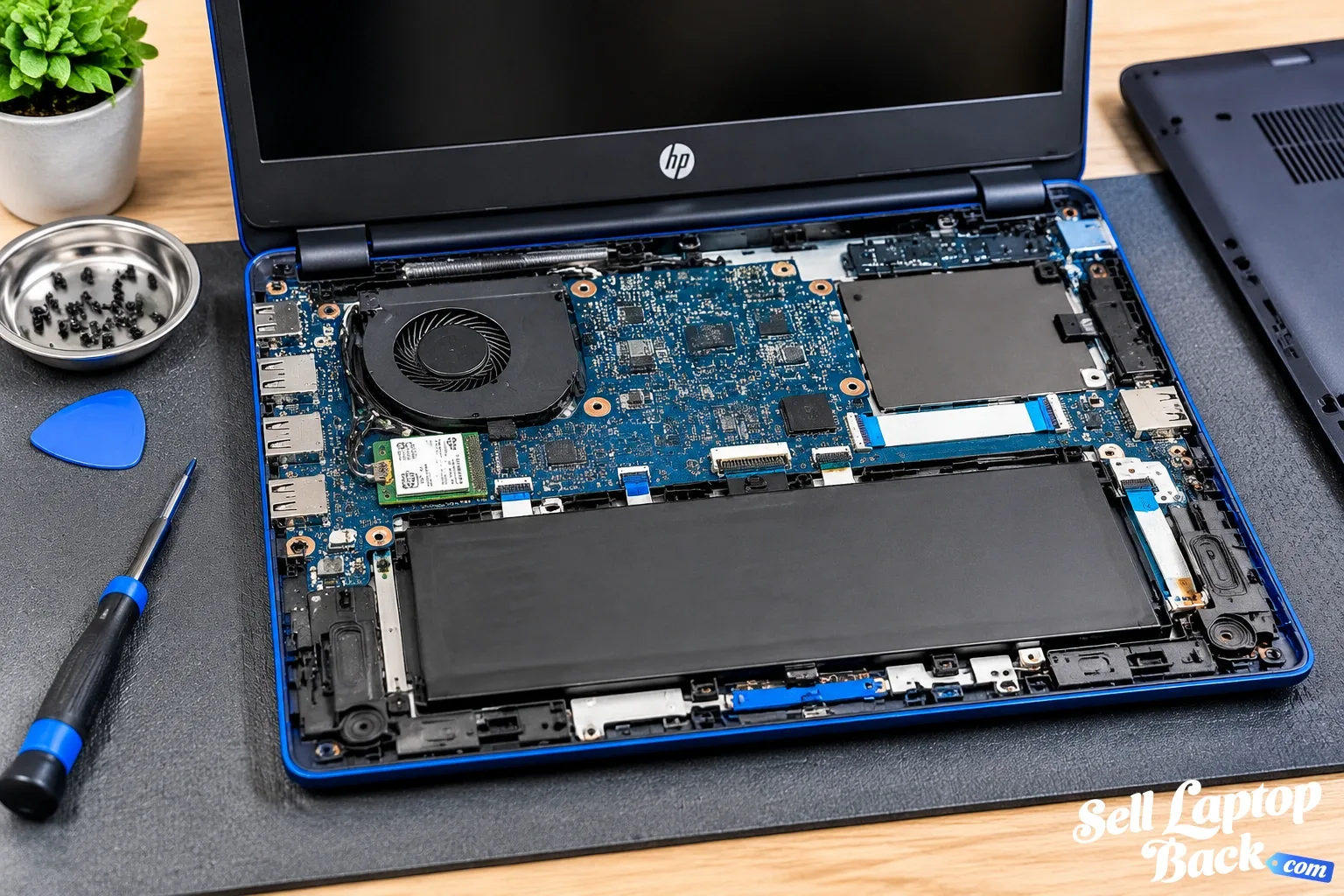
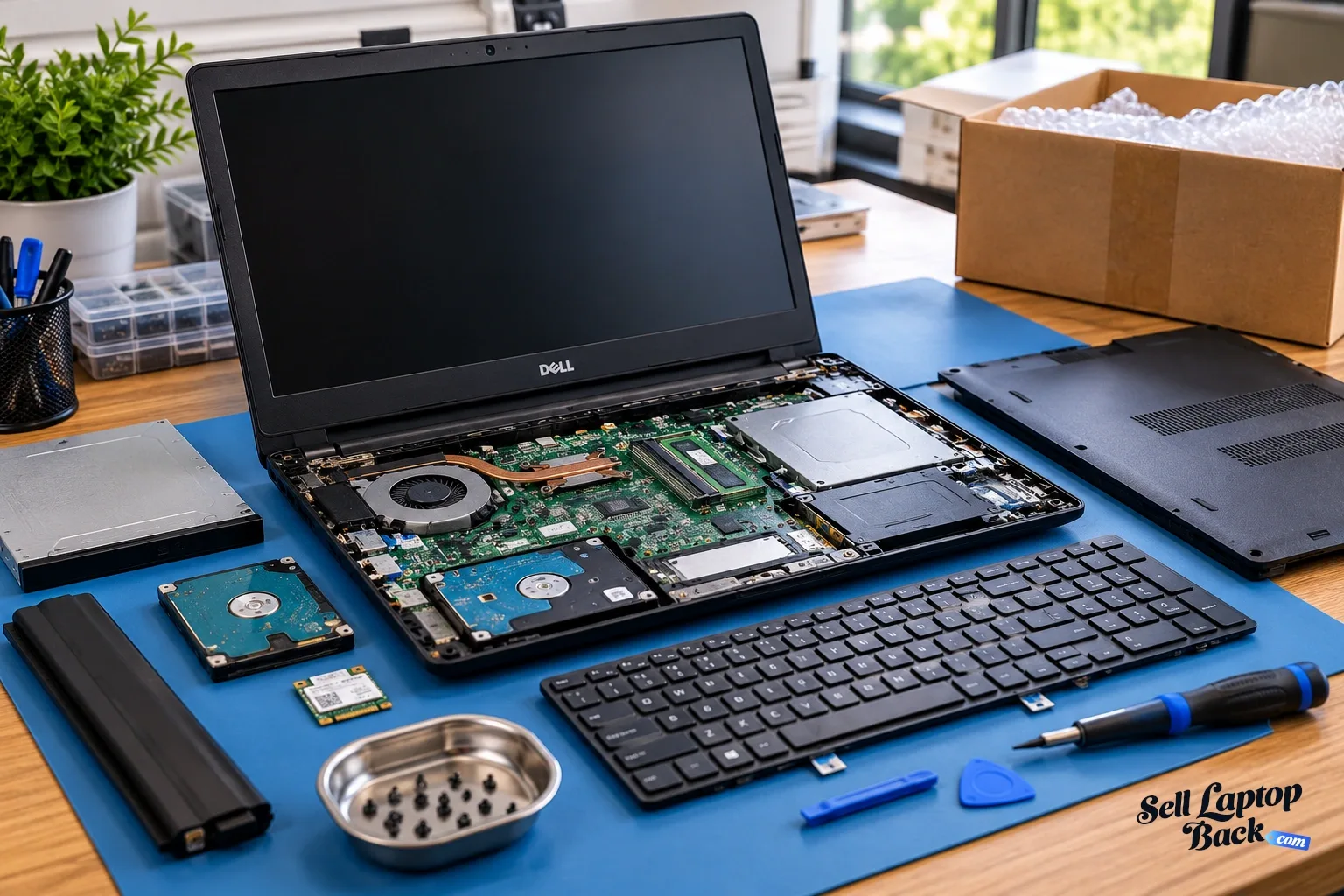
- Can You Get Cash for a Broken Laptop?
- What About an Older Laptop That Still Works?
- How Do I Find Out What Laptop I Have?
- How Much Are Popular Used Laptop Families Worth?
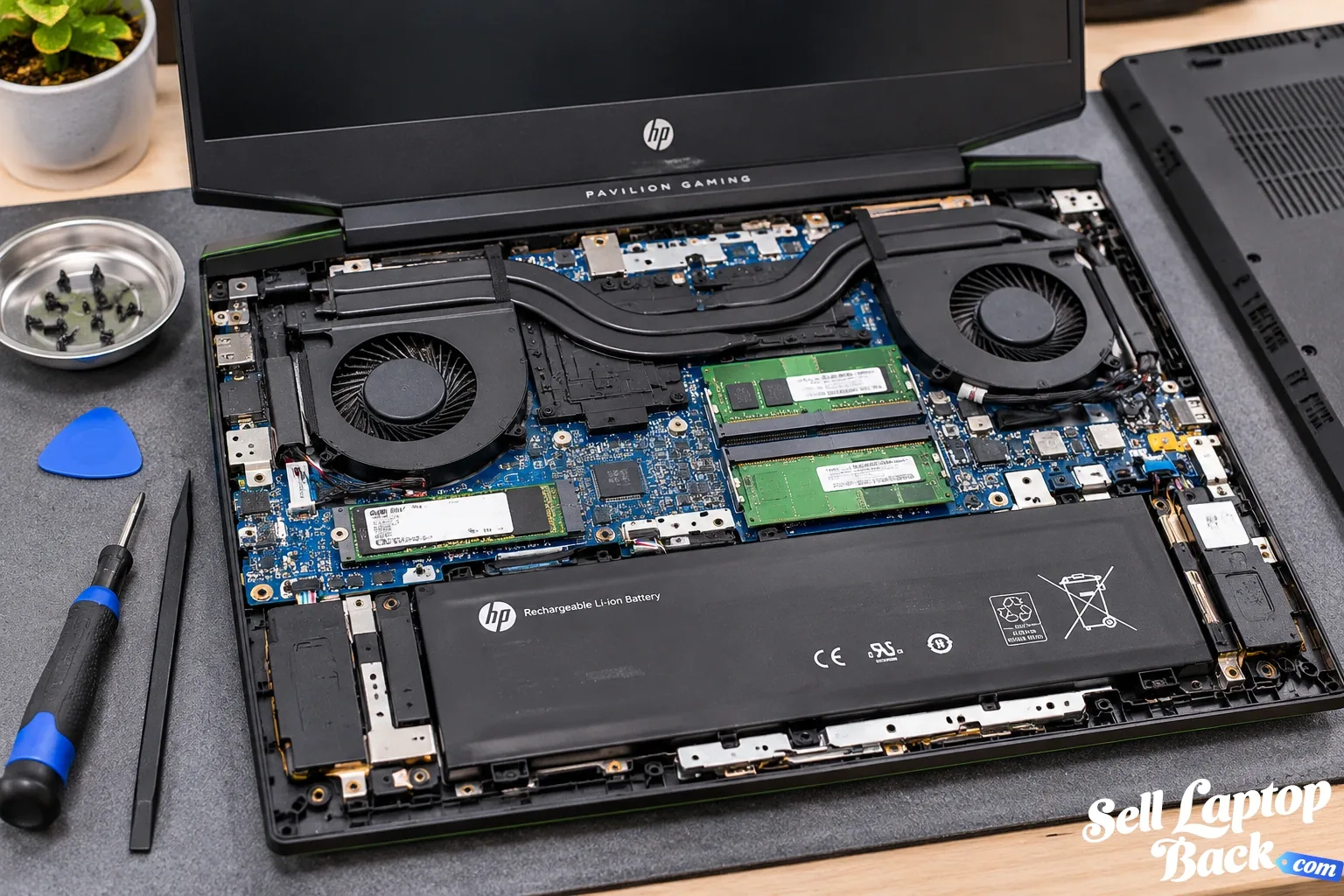
- Should You Repair an Old Laptop Before Selling It?
- Should You Upgrade an Old Laptop Before Selling It?
- Sell an Old Laptop Yourself or Use a Buyback Service?
- Selling It Yourself
- Using a Laptop Buyback Service
- What Should You Do Before Selling Your Laptop?
- Don't Forget the Charger
- How to Ship an Old Laptop Safely
- What If the Laptop Isn't Worth Selling?
- Holiday Upgrade? Don't Forget the Laptop You Replaced
- How to Get Cash for Your Old Laptop
- Frequently Asked Questions
- Final Thoughts
Updated: November 12, 2026 | By: SellLaptopBack.com | Read time: 13 min read
Got a laptop sitting in a drawer, closet or home office that you no longer use? The weeks before and after the holidays can be a good reminder to finally decide what to do with old electronics.
Maybe you replaced your laptop during a sale. Maybe someone in the family received a new computer. Or perhaps you've had an older machine sitting around for months because you weren't sure whether it was still worth anything.
Before putting it back into storage, it may be worth checking its current value.
You can start with your laptop model to see the available options, or keep reading to understand what affects the value of an older computer and why waiting isn't always the best strategy.
Why the Holidays Leave So Many Old Laptops Unused
Technology upgrades often create a simple problem: the new computer goes into service while the old one gets pushed aside.
That old laptop may still work perfectly. It may have a cracked screen, weak battery or cosmetic damage. It might even have stopped turning on.
But unused does not necessarily mean worthless.
Depending on the model, specifications, age and condition, an older laptop can still have resale, repair or parts value.
The important question isn't what you originally paid for it. The useful question is:
What is this laptop worth today?
Watch: An Early SellBroke Holiday Buyback Video
We've been working with used electronics for a long time. This short SellBroke video from 2018 was created around a simple holiday idea: instead of letting unused electronics pile up, check whether they still have value.
Can You Sell an Old Drone for Cash Too?
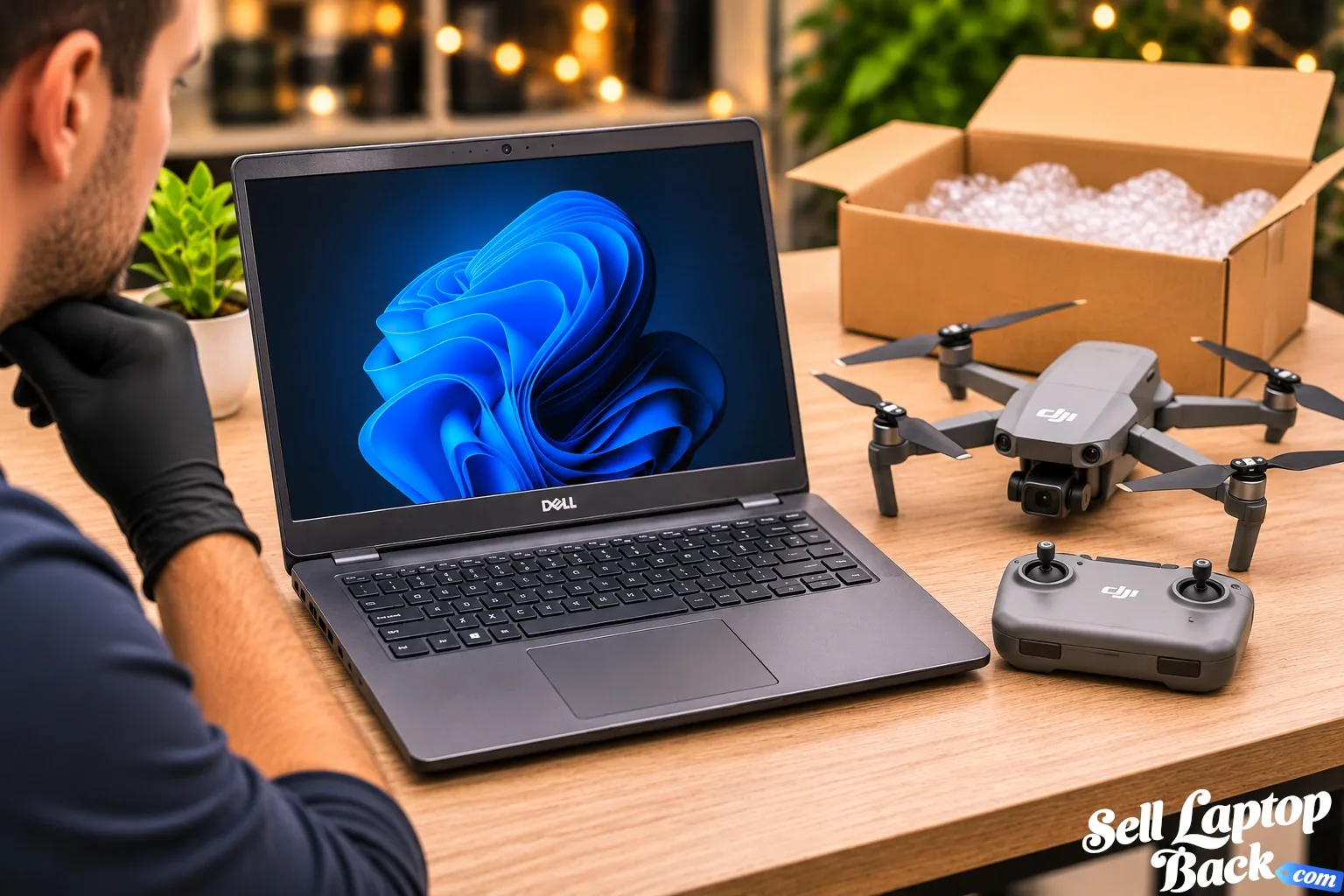
Laptops aren't the only electronics that can retain value after an upgrade. The original SellBroke holiday video above also featured a used DJI drone, which is a good example of another type of technology that may still have resale value instead of sitting unused.
Like laptops, used drone value depends on exactly what you have. Important factors can include:
- Drone manufacturer and exact model
- Age and generation
- Working condition
- Camera and gimbal condition
- Battery condition and number of batteries
- Remote controller
- Propellers and other accessories
- Physical or crash damage
- Original charger and charging equipment
- Current demand for that drone model
A complete working drone with its controller, batteries and charger is very different from an aircraft with crash damage, a damaged gimbal or missing accessories.
Old DJI Drones Can Still Have Resale Value
DJI has released many generations of consumer and prosumer drones, so simply saying "I have a DJI drone" isn't enough to determine its value.
The exact model matters. Hardware, camera capabilities, battery condition and included accessories can create substantial differences between used drones that may look similar at first glance.
If you've upgraded to a newer drone, don't automatically assume the older one is worthless. Check what model you have and its condition before leaving it in storage.
What Should You Check Before Selling a Used Drone?
Before selling or trading a drone, inspect the complete system rather than only the aircraft.
- Confirm the exact model.
- Check whether the drone powers on normally.
- Inspect the camera and gimbal.
- Check the arms, motors and propellers for damage.
- Inspect the batteries for swelling or physical damage.
- Test the remote controller.
- Gather the charger and accessories.
- Remove personal data and unlink accounts where applicable.
Battery condition deserves particular attention. Lithium-ion and lithium-polymer batteries that are swollen, punctured or otherwise damaged should not be treated like ordinary working batteries.
Sell the Old Technology After You Upgrade
That's really the broader point of the original holiday video. Whether you've replaced a laptop, drone, phone or tablet, the older device may still have useful value.
Instead of allowing technology to sit unused for years, determine what it is, check its condition and decide whether selling, reusing or responsibly recycling it makes the most sense.
Watch the original SellBroke holiday video on YouTube.
The video is short, but the basic idea still applies: technology gets replaced quickly, and an unused device may be more useful sold, reused or properly recycled than forgotten in storage.
Is an Old Laptop Actually Worth Money?
It certainly can be.
Age alone doesn't determine laptop value. A relatively old premium business laptop, gaming laptop, workstation or MacBook can sometimes retain more value than a much newer entry-level computer.
The major factors include:
- Manufacturer and exact model
- Model year or hardware generation
- Processor
- Dedicated GPU, if equipped
- RAM
- SSD or storage capacity
- Display configuration
- Battery condition
- Physical condition
- Whether the laptop works
- Current demand for the model
That's why estimating value from age alone can be misleading.
Don't Base Today's Value on the Original Purchase Price
A laptop that originally cost $1,500 isn't necessarily worth a fixed percentage of $1,500 several years later.
Computer hardware changes too quickly for that approach to work reliably.
New processors, GPUs, displays and storage technologies enter the market while the price of comparable new computers changes at the same time.
A better valuation starts with the exact laptop and its current configuration.
Our laptop depreciation guide explains this process in more detail.
Should You Sell an Old Laptop Now or Keep It?
If you still use the laptop, keeping it may make perfect sense.
An older computer can serve as:
- A backup computer
- A travel laptop
- A computer for schoolwork
- A media computer
- A basic home-office machine
- A testing or hobby system
But if the laptop hasn't been turned on for six months or a year, ask yourself whether you're realistically going to use it again.
Electronic devices generally don't become more valuable simply because they sit in a closet.
Waiting Can Reduce Laptop Resale Value
This is one of the easiest mistakes to make.
You replace a laptop and think:
I'll sell the old one later.
Six months becomes a year. Another processor generation appears. New graphics hardware reaches the market. The battery continues aging.
Eventually you remember the computer and discover that comparable used machines are selling for less.
There is no universal depreciation rate, but technology generally becomes less valuable as newer alternatives become available.
If you're certain you won't use the old computer again, checking its value sooner can make sense.
Can You Get Cash for a Broken Laptop?
Sometimes.
A laptop doesn't necessarily have to be perfect to retain value.
Examples of problems that don't automatically eliminate all value include:
- Cracked display
- Bad battery
- Missing keys
- Damaged keyboard
- Broken hinge
- Damaged case
- Charging problems
- Fan problems
- Missing SSD
- No-power condition
The amount depends heavily on the exact laptop and the severity of the problem.
A damaged high-performance workstation or gaming laptop can be a very different proposition from an extremely old entry-level notebook.
See our money for broken laptops guide for a deeper look at damaged-computer value.
What About an Older Laptop That Still Works?
A fully working older laptop is generally easier to evaluate because its major functions can be tested.
Before selling, check:
- Does it boot normally?
- Does the display work correctly?
- Does it charge?
- Does the battery hold a charge?
- Do the keyboard and trackpad work?
- Does Wi-Fi work?
- Are the USB and other important ports functional?
- Are the hinges intact?
- Are there unusual fan noises?
You don't need to hide normal wear. Accurate condition information makes valuation easier.
How Do I Find Out What Laptop I Have?
Start with the manufacturer's model information.
Depending on the brand, the model or product identifier may appear on the bottom cover, underneath a service label, in the BIOS/UEFI or inside Windows system information.
Don't stop at something broad like:
“I have a Dell laptop.”
Or:
“It's an HP.”
The exact model can make an enormous difference.
For gaming laptops and mobile workstations, the processor and GPU configuration can be particularly important.
How Much Are Popular Used Laptop Families Worth?
We've started building dedicated value guides for laptop families where configurations and generations can make a major difference.
- How Much Is My HP EliteBook Worth?
- How Much Is My Dell XPS Worth?
- How Much Is My Lenovo ThinkPad Worth?
- How Much Is My ASUS ROG Laptop Worth?
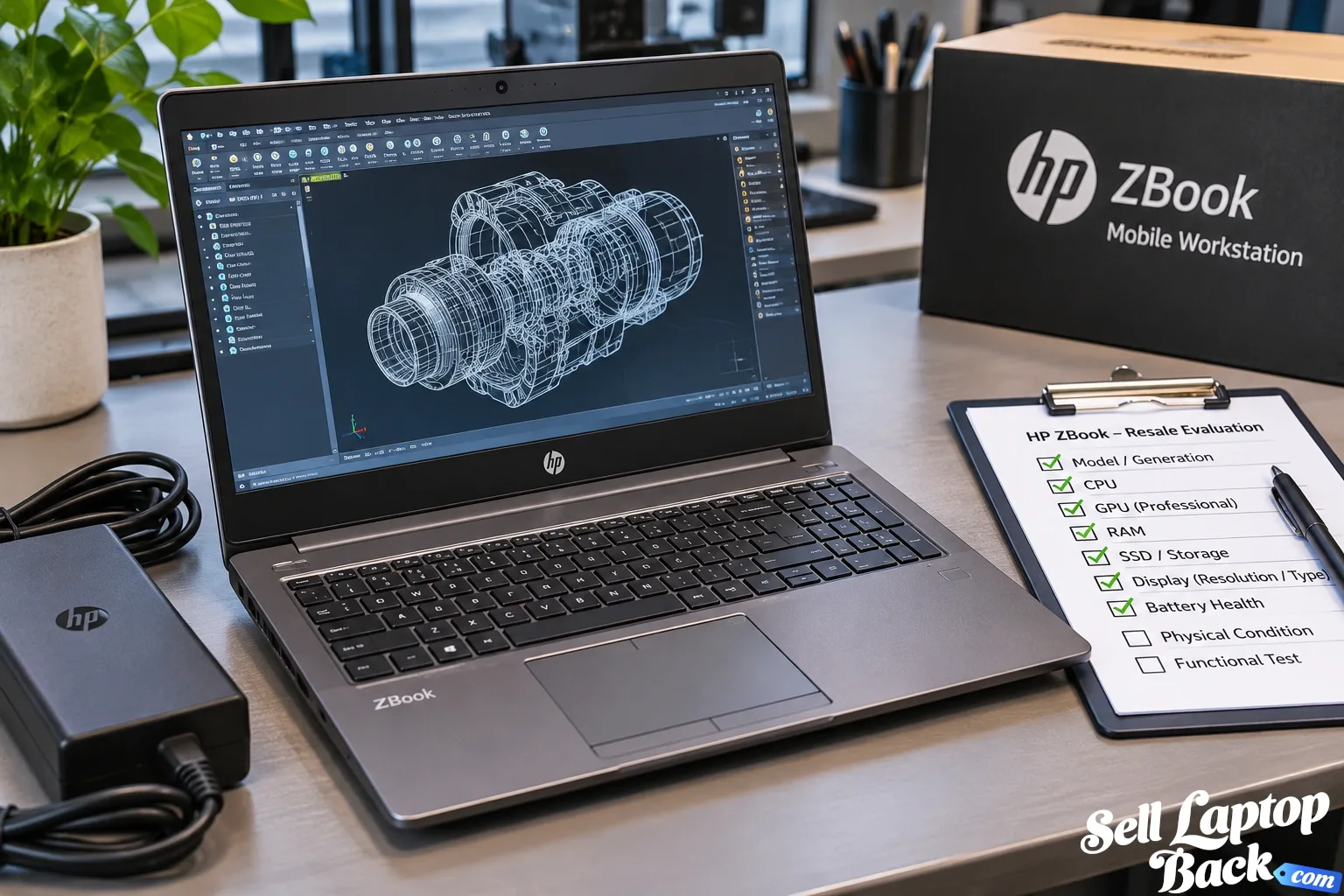
- How Much Is My HP ZBook Worth?
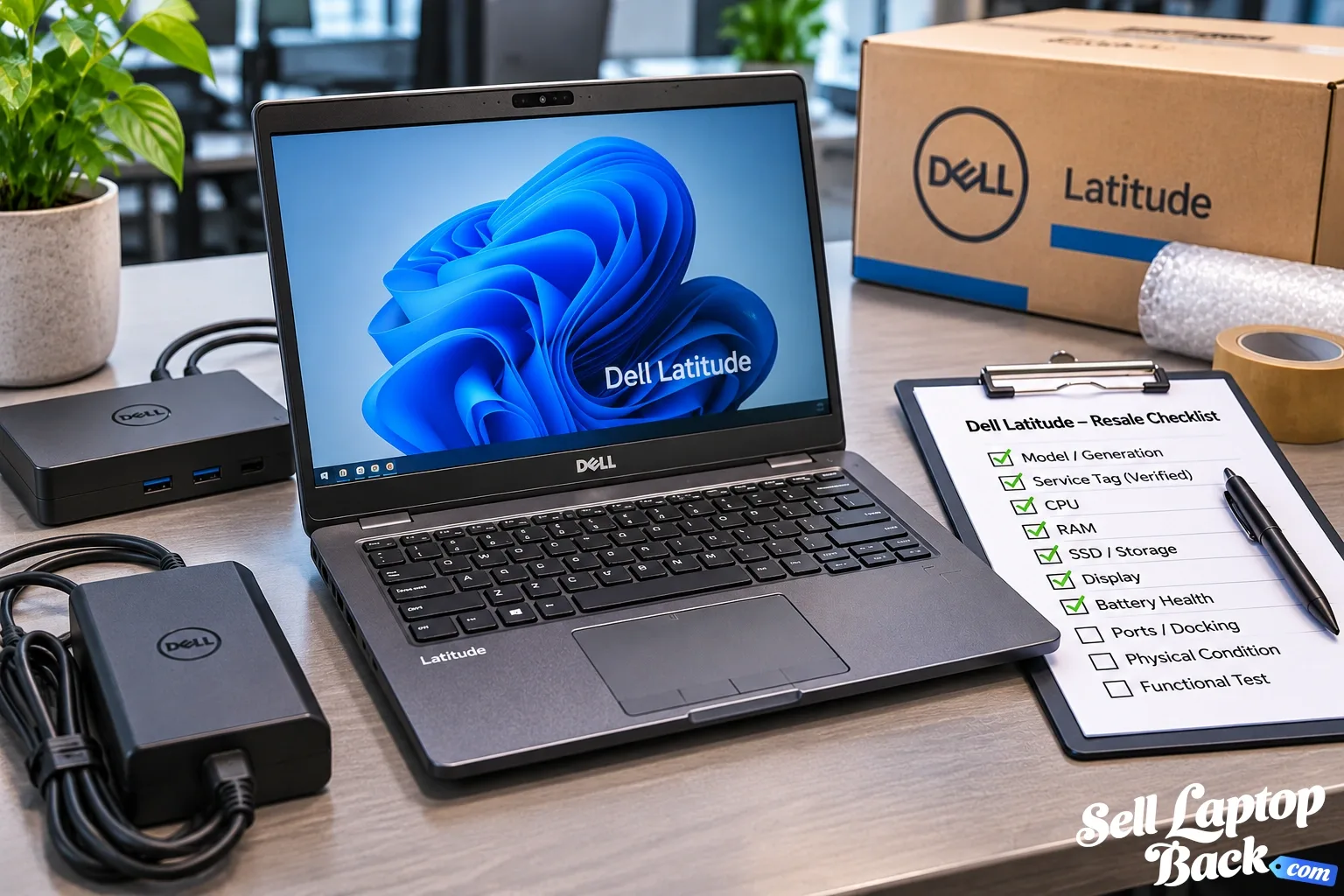
- How Much Is My Dell Latitude Worth?
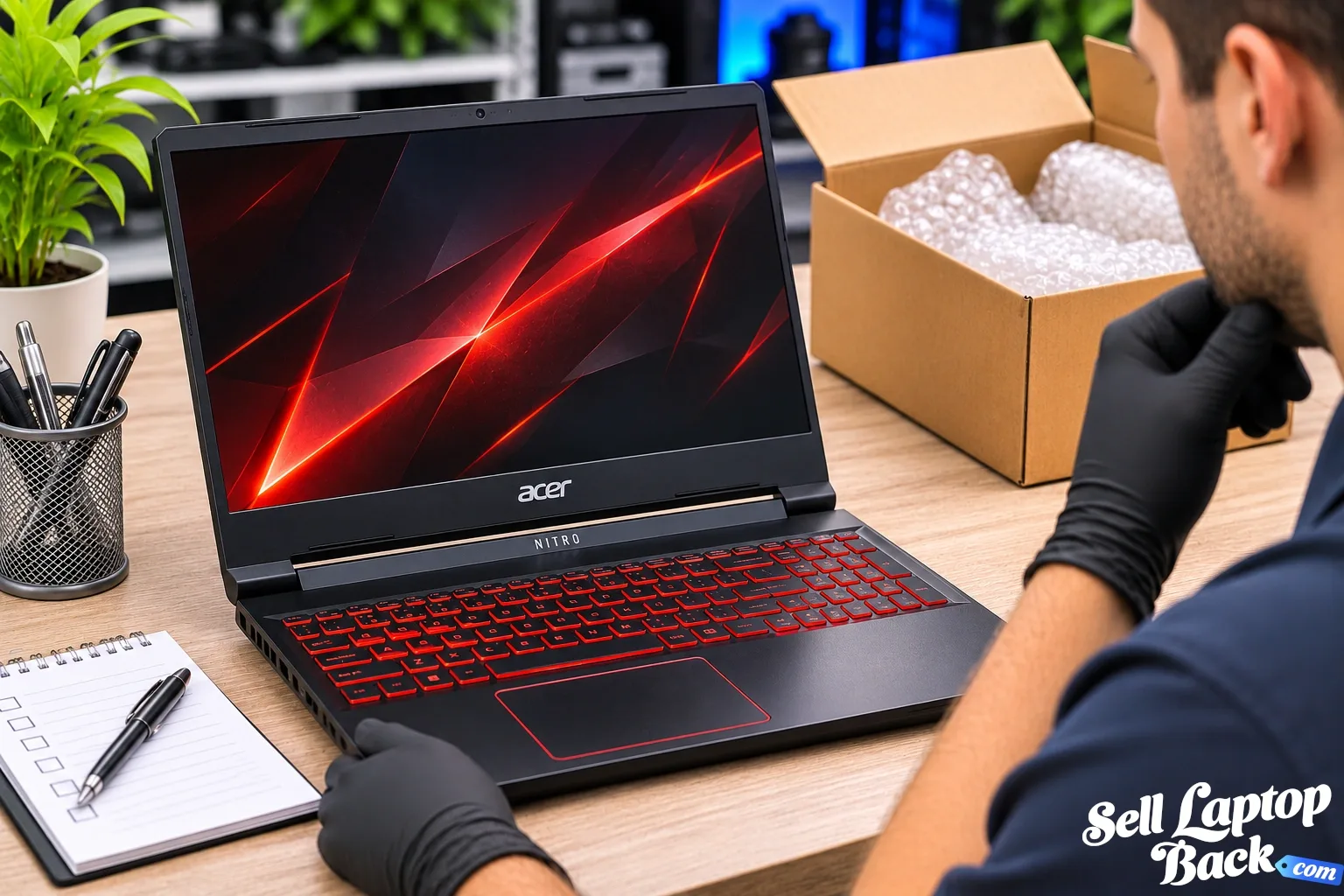
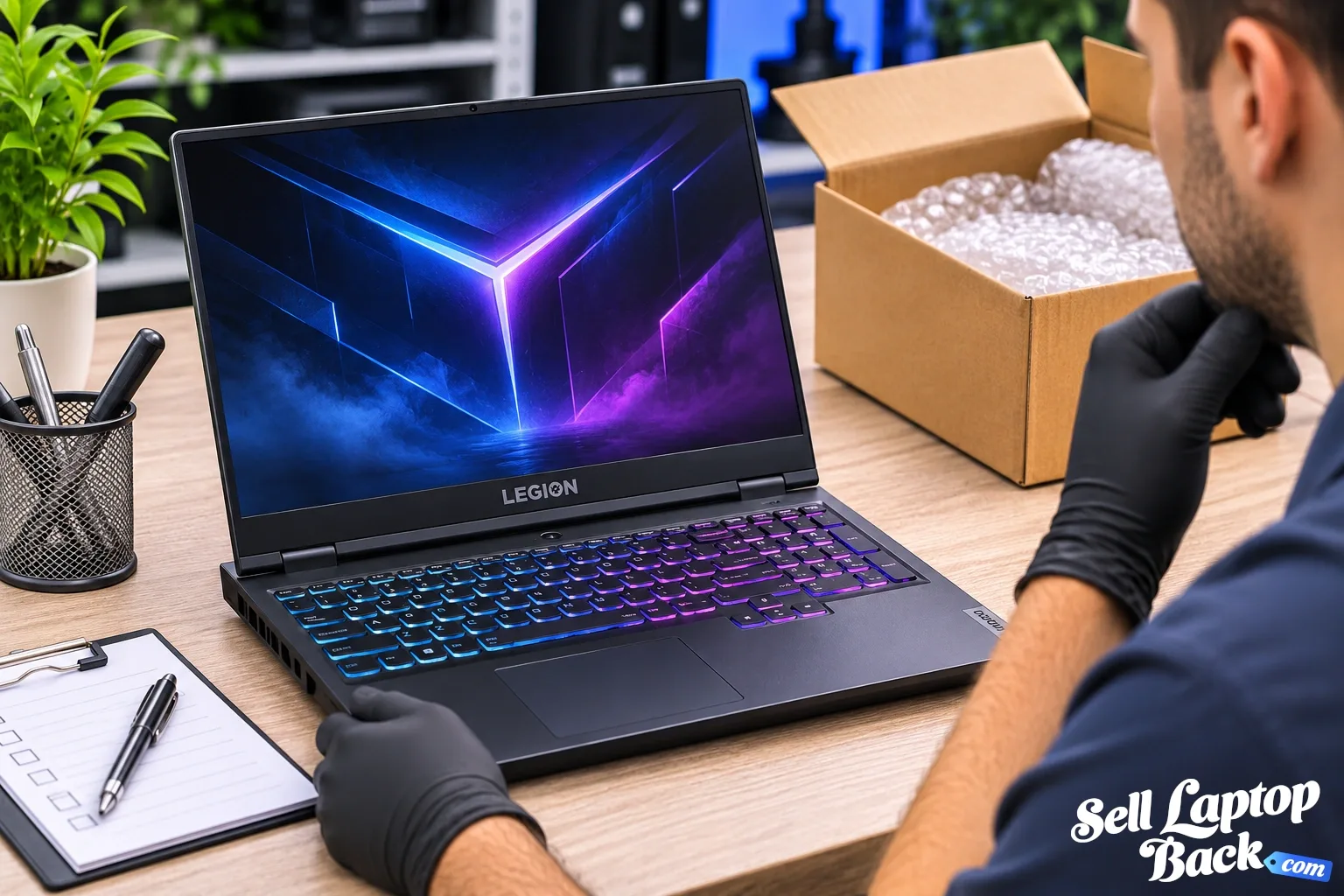
- How Much Is My Lenovo Legion Laptop Worth?
- How Much Is My Acer Nitro Laptop Worth?
Those guides explain why two laptops carrying the same family name can have very different resale values.
Should You Repair an Old Laptop Before Selling It?
Not automatically.
First compare:
- Its approximate value in working condition
- Its value in the current condition
- The cost of the repair
If a $50 repair adds substantially more than $50 in value, repairing it may make sense.
If a motherboard replacement costs hundreds of dollars on an aging laptop, selling the machine in its current condition may make more sense.
Don't spend money on a repair simply because the laptop originally cost a lot.
Should You Upgrade an Old Laptop Before Selling It?
The same rule applies to upgrades.
Installing more RAM or a larger SSD can improve a laptop, but that doesn't guarantee you'll recover the cost when you sell it.
If you already own compatible parts, the calculation may be different.
Otherwise, check the laptop's current value before buying upgrades solely for resale.
Sell an Old Laptop Yourself or Use a Buyback Service?
Both approaches have advantages.
Selling It Yourself
Listing a laptop on a marketplace gives you control over the asking price and access to individual buyers.
But you also handle:
- Creating the listing
- Taking photographs
- Answering buyer questions
- Setting the price
- Packaging
- Shipping
- Marketplace fees where applicable
- Potential returns or disputes
Using a Laptop Buyback Service
A direct buyback is designed to simplify the process.
You identify the laptop, describe its condition, receive an offer and ship the device for evaluation.
The better choice depends on whether you prioritize potentially maximizing the selling price or reducing the amount of time and work involved.
What Should You Do Before Selling Your Laptop?
Before transferring a computer to someone else:
- Back up important files.
- Make sure you know what model you're selling.
- Sign out of personal accounts.
- Remove unrelated USB devices and memory cards.
- Use the appropriate operating-system reset or data-removal procedure.
- Record the laptop's condition.
- Pack it securely before shipping.
Microsoft provides official instructions for resetting a Windows PC.
Don't Forget the Charger
If you still have the correct charger, keep it with the laptop unless you're told otherwise.
A charger can affect value, particularly with gaming laptops and workstations that may require higher-wattage power adapters.
When packing the laptop, don't allow a heavy power brick to move freely inside the box where it could strike the screen or case.
How to Ship an Old Laptop Safely
Use a sturdy shipping box with enough protective material around the computer to prevent movement.
Protect the corners and display, and separate accessories from the laptop itself.
For more information, see our laptop packing and shipping guide.
If the laptop has a swollen, leaking or physically damaged lithium-ion battery, don't ship it as though it were a normal laptop. Damaged lithium batteries require special attention.
What If the Laptop Isn't Worth Selling?
Not every old laptop will have enough remaining value to justify resale.
Very old, incomplete or severely damaged systems may eventually reach that point.
That still doesn't mean they belong in ordinary household trash.
The U.S. Environmental Protection Agency provides information about electronics donation and recycling.
Recycling can help keep electronics and batteries out of ordinary waste streams while allowing usable materials to be recovered.
Holiday Upgrade? Don't Forget the Laptop You Replaced
The holidays aren't magically the best time to sell every laptop.
The real opportunity is simpler: upgrades remind us how many unused devices we already own.
If a new laptop replaced your old one, decide whether the old computer actually has another purpose.
If it does, keep using it.
If it doesn't, check what it's worth instead of letting another year of depreciation pass while it sits in storage.
How to Get Cash for Your Old Laptop
Start by identifying the manufacturer and exact model.
Then determine:
- CPU
- GPU if applicable
- RAM
- Storage
- Battery condition
- Physical condition
- Whether the laptop works
The more accurate the information, the more meaningful the valuation can be.
Ready to check yours? Find your laptop and see your current options.
Frequently Asked Questions
Can I sell an old laptop for cash?
Is it better to sell an old laptop sooner?
Can I sell a broken laptop?
Should I repair my laptop before selling it?
Should I upgrade the RAM or SSD before selling my laptop?
What should I do with my data before selling a laptop?
Do I need the charger when selling an old laptop?
What should I do if my old laptop has no resale value?
Final Thoughts
An old laptop sitting unused may still have value, whether it's fully working, cosmetically worn or damaged.
The key is to identify exactly what you have rather than guessing from age or the original purchase price.
Model, generation, CPU, GPU, RAM, storage and condition determine the real picture.
And if the computer has already been replaced, there is little benefit in letting it sit forgotten while newer hardware continues entering the market.
Check your laptop's current options, learn more about laptop depreciation, or see how we evaluate broken laptops for cash.