On this page
- How Much Is a Dell Latitude Worth?
- Identify Your Exact Dell Latitude
- Latitude Model and Generation Matter
- Processor Generation Has a Major Effect on Latitude Value
- RAM Capacity and Upgradeability
- SSD Capacity and Storage
- Battery Health Can Change a Latitude's Resale Appeal
- Display Condition and Configuration
- Keyboard, Touchpad and Ports Matter on a Business Laptop
- Does a Dell Dock Increase Latitude Value?
- Cosmetic Condition and Business-Fleet Wear
- What Is a Broken Dell Latitude Worth?
- Should I Repair My Latitude Before Selling It?
- Check for BIOS Passwords and Company Management
- Does the Dell Charger Matter?
- Older Dell Latitudes Can Still Have Value
- How to Get the Best Value for a Dell Latitude
- Should I Sell a Dell Latitude on eBay?
- Prepare a Dell Latitude Before Selling It
- How to Sell a Dell Latitude to SellLaptopBack
- Dell Latitude vs Dell XPS
- Dell Latitude vs Precision
- Frequently Asked Questions About Dell Latitude Value
- Check What Your Dell Latitude Is Worth
Published: November 10, 2026 | Updated: November 10, 2026 | By: SellLaptopBack.com | Read time: 11 min read
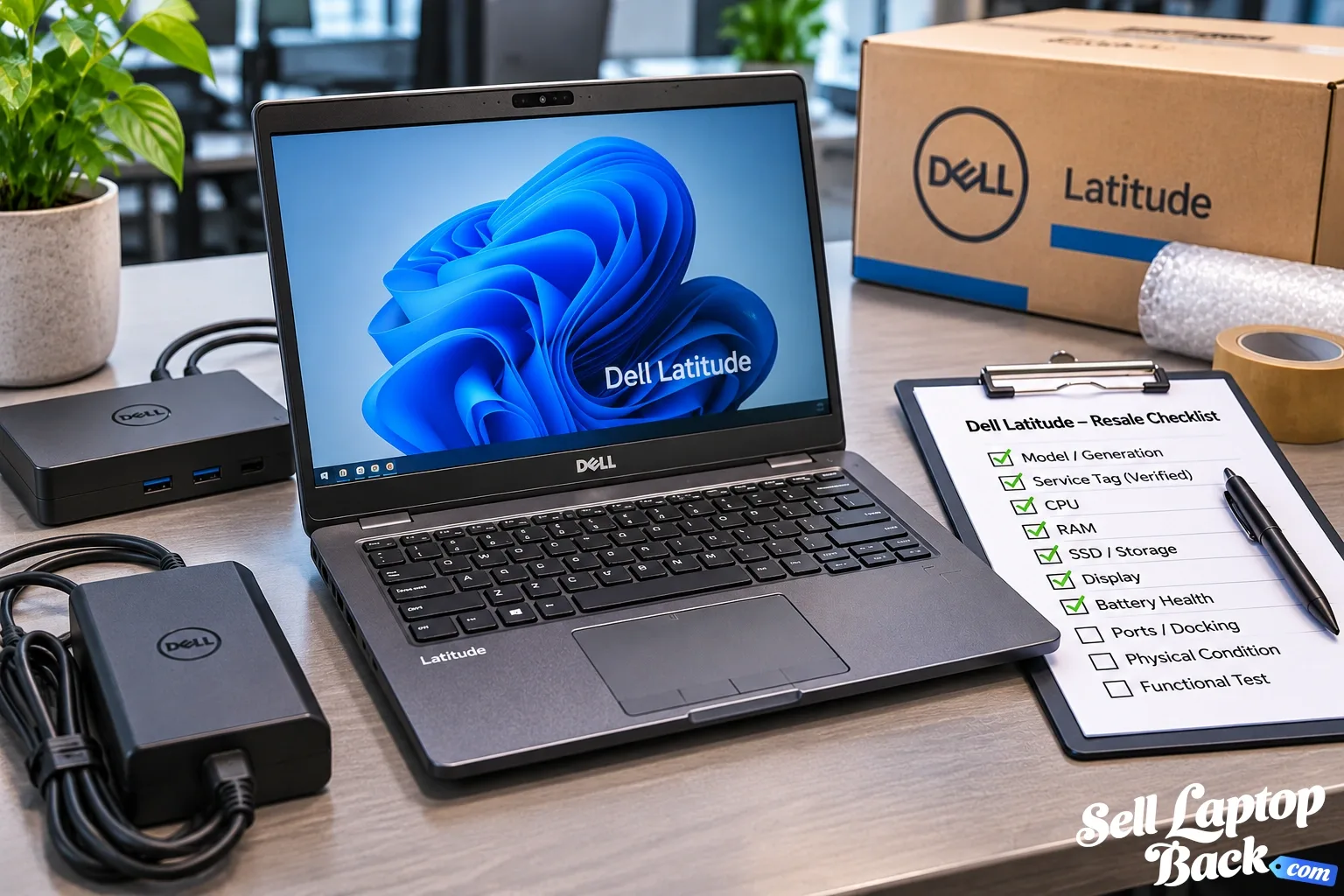
Dell Latitude laptops are common in offices, schools, remote-work setups and large corporate fleets. When those systems are replaced, many still have useful life and resale value instead of belonging in a storage closet or recycling bin.
But “Dell Latitude” alone tells us very little about what a particular laptop is worth. Latitude systems span many years, sizes, generations and hardware configurations. The exact model, processor, RAM, storage, battery condition and physical condition all influence current value.
If you already know your exact machine, you can find your Dell laptop and check the available offer. If not, start by identifying it correctly.
How Much Is a Dell Latitude Worth?
There is no single price that accurately represents every used Dell Latitude.
A relatively recent premium business configuration can have a very different value from an older fleet laptop even when both computers remain completely functional.
Important factors include:
- Exact Latitude model and generation
- Processor model and generation
- RAM capacity
- SSD capacity
- Display configuration
- Battery health
- Physical condition
- Keyboard, touchpad and port condition
- BIOS or organizational restrictions
- Charger and docking accessories
- Whether the laptop works correctly
Business laptops also depreciate as newer enterprise hardware reaches the market. Our laptop depreciation guide explains the broader relationship between age, hardware generations and resale value.
Identify Your Exact Dell Latitude
The first step is determining exactly which Latitude you own.
Dell provides a particularly useful identifier for this: the Service Tag. Dell describes it as a unique seven-character alphanumeric identifier used to identify the system for support, documentation and warranty information.
The Service Tag can commonly be found on the bottom of a laptop or within the BIOS/UEFI interface. You can enter it at Dell Support to identify the system.
Record:
- Latitude model
- Service Tag
- Processor
- Installed RAM
- SSD capacity
- Display configuration
- Any optional hardware
The Service Tag is useful for identification, but avoid publishing it unnecessarily in public photos or marketplace listings when it is not needed.
Latitude Model and Generation Matter
Dell has produced Latitude systems across numerous product generations and performance tiers.
That means two Latitude laptops of similar size can contain hardware separated by many years of development.
Always compare the exact model and processor rather than judging the laptop from the Latitude logo or chassis alone.
Processor Generation Has a Major Effect on Latitude Value
Processor age is one of the most important differences between generations of business laptops.
Do not value a machine from a generic “Core i5” or “Core i7” label alone. Those names have existed across many processor generations.
The complete CPU model tells you much more about the computer's age, performance and efficiency.
A newer Core i5 configuration can easily be more desirable than a substantially older Core i7 system.
RAM Capacity and Upgradeability
Memory affects how comfortably a Latitude can handle modern office applications, browser workloads, collaboration software, development tools and multitasking.
Higher-memory configurations may therefore attract stronger demand than otherwise similar low-memory machines.
However, memory design varies across Latitude models. Some systems have replaceable memory modules while others may use soldered memory or different combinations of onboard and replaceable RAM.
Check the documentation for the exact model before purchasing an upgrade.
SSD Capacity and Storage
An SSD is now expected in most useful modern business-laptop configurations. Capacity can still make a difference.
A larger drive provides more room for applications, local files and work data, but storage should be evaluated alongside the rest of the machine.
Putting a large new SSD into a very old Latitude does not necessarily make the computer worth the cost of the drive plus its previous value.
Battery Health Can Change a Latitude's Resale Appeal
Battery condition is particularly relevant for a business laptop because portability is one of its primary advantages.
A Latitude may work perfectly at a desk while plugged into a dock but last only a short time on battery power.
Check for:
- Rapid battery drain
- Unexpected shutdowns
- Failure to charge
- Battery-related warnings
- Physical swelling
A weak battery reduces value but does not necessarily make the laptop unsellable.
Display Condition and Configuration
Latitude laptops have been sold with different display sizes, resolutions, touch options and brightness levels.
Inspect the screen for:
- Cracks
- Pressure marks
- Dead pixels
- Lines
- Flickering
- Backlight problems
- Touchscreen problems, when equipped
A damaged display can reduce value substantially because replacement requires both parts and labor.
Keyboard, Touchpad and Ports Matter on a Business Laptop
A business laptop may have spent years connected and disconnected from docks, monitors, chargers, USB devices and conference-room equipment.
Test the keyboard, touchpad and available ports rather than assuming they work because the laptop boots.
Pay particular attention to:
- USB ports
- USB-C or Thunderbolt-capable ports where equipped
- Charging connector
- Video outputs
- Audio connection
- Network port where equipped
- Docking functionality
A damaged charging or USB-C port can be more significant than ordinary cosmetic wear.
Does a Dell Dock Increase Latitude Value?
A compatible Dell dock can be useful, particularly for a buyer planning to use the laptop at a desk with multiple displays and peripherals.
But treat the dock as an accessory rather than assuming its original retail price transfers directly into the laptop's resale value.
Compatibility matters too. Dell has used different docking technologies across generations, so identify the dock before including it as part of the package.
Cosmetic Condition and Business-Fleet Wear
Used Latitudes often show evidence of daily professional use. Light scratches, polished keycaps and minor marks are common.
Structural problems matter more.
Inspect:
- Top cover
- Bottom case
- Palm rest
- Display bezel
- Hinges
- Keyboard
- Touchpad
- Ports
- Rubber feet
Cracked chassis sections, broken hinges or damaged ports can require significant repair and should be disclosed accurately.
What Is a Broken Dell Latitude Worth?
A damaged Latitude may still have value.
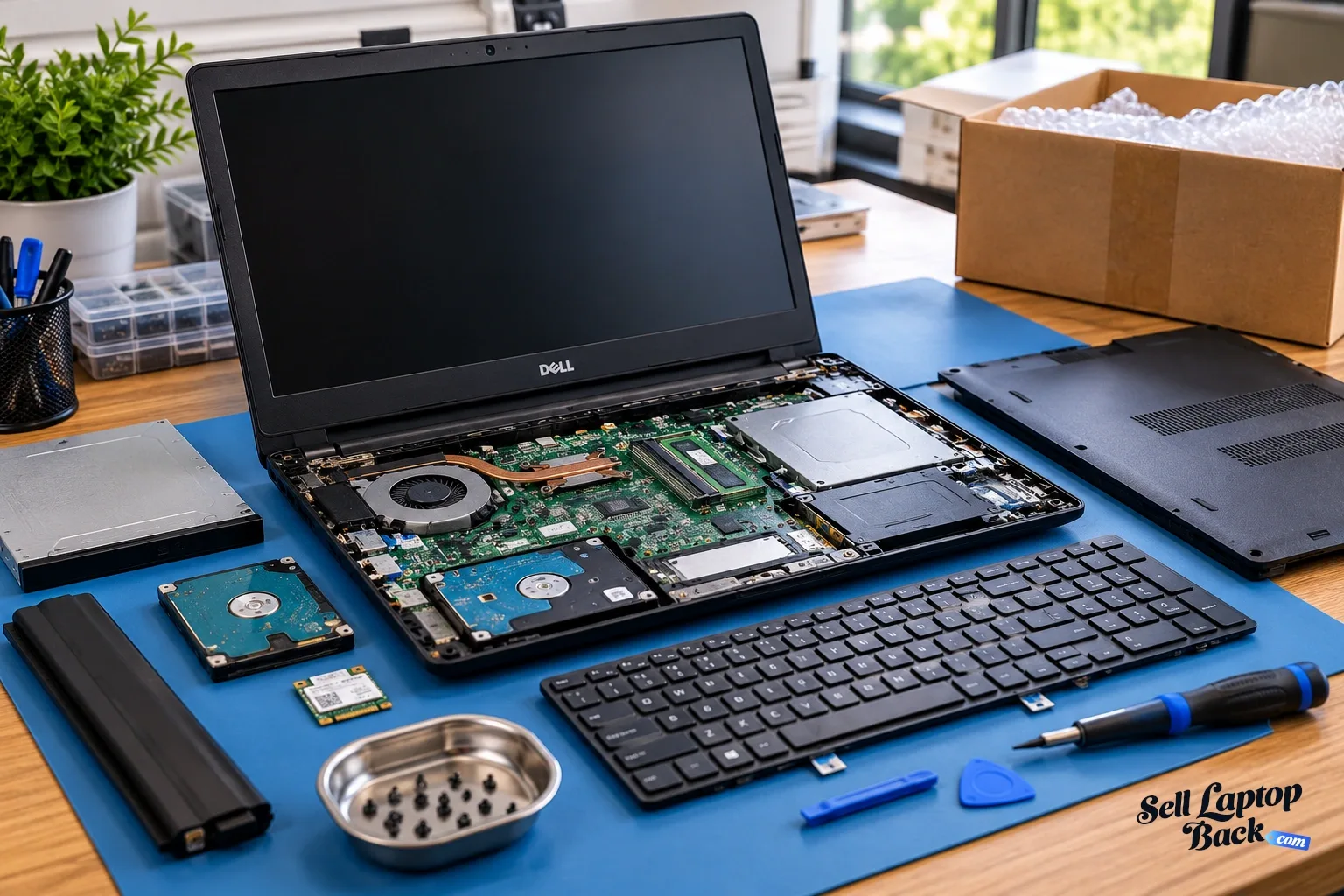
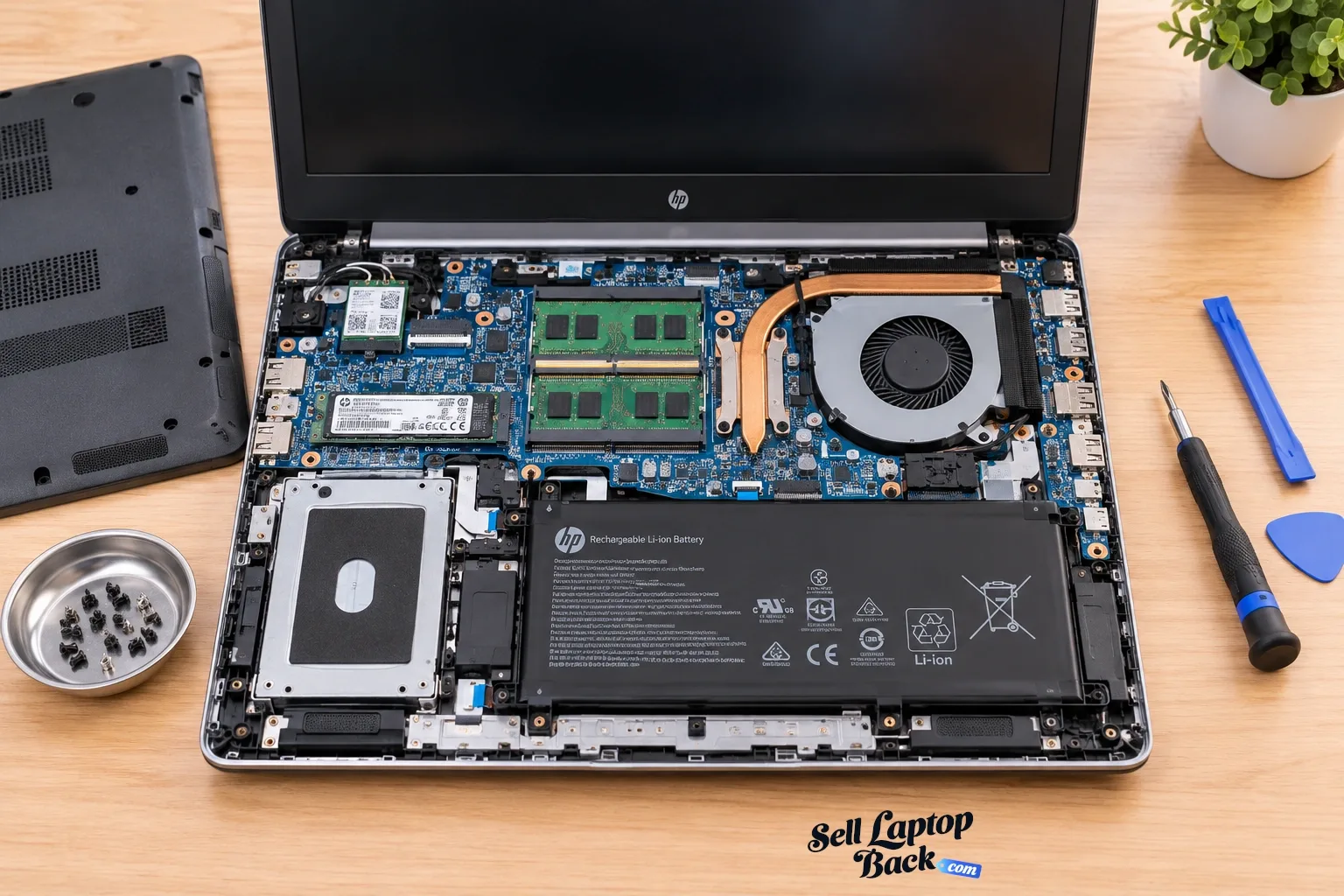
Depending on the model and problem, reusable components may include:
- Motherboard
- RAM
- SSD
- Display assembly
- Keyboard
- Touchpad
- Wi-Fi hardware
- Battery
- Cooling system
- Chassis components
A cracked screen, worn battery or damaged keyboard therefore does not automatically make the laptop worthless.
See our broken laptop selling guide if your Latitude is not fully functional.
Should I Repair My Latitude Before Selling It?
Sometimes a small repair makes sense. Sometimes selling the machine in its current condition makes more financial sense.
Compare:
- Current value as-is
- Expected working value
- Parts cost
- Labor cost
- Time required
- Risk of discovering another problem
Replacing a simple component can be worthwhile. Spending heavily on a motherboard or display for an older business laptop may not be.
Check for BIOS Passwords and Company Management
This is particularly important with Dell Latitude laptops because many originate from business fleets.
Before selling one, confirm that you own the machine or have authorization to dispose of it.
Check for BIOS passwords, organizational management and other restrictions that could prevent a future owner from configuring the laptop normally.
If it is still managed by an employer, school or other organization, that organization should properly release it. Do not attempt to bypass security or management controls.
Does the Dell Charger Matter?
A correct working charger makes the laptop easier to test and immediately use.
Many newer business laptops use USB-C charging, but wattage and compatibility still matter. Older Latitude generations may use different Dell power adapters.
Include the appropriate charger when available and disclose if the laptop is being sold without one.
Older Dell Latitudes Can Still Have Value
Business laptops are often designed for years of professional use, and an older Latitude can remain useful long after a company replaces it.
That does not mean every old business laptop retains a high resale value.
Age, processor generation, memory, storage, battery condition and software compatibility all affect demand.
An older machine in pristine cosmetic condition may still be worth less than a newer Latitude with ordinary signs of use.
How to Get the Best Value for a Dell Latitude
- Find the exact model.
- Use the Service Tag to verify the system.
- Identify the CPU.
- Confirm installed RAM.
- Check SSD capacity.
- Identify the display configuration.
- Test the keyboard and touchpad.
- Test the USB and charging ports.
- Check battery condition.
- Inspect the chassis and hinges.
- Check for BIOS or organizational restrictions.
- Locate the charger and compatible accessories.
Accurate information helps distinguish your machine from the large number of superficially similar Latitude configurations on the used market.
Should I Sell a Dell Latitude on eBay?
Business laptops have an active secondary market, so selling directly to another user is one option.
But compare the complete transaction rather than only the selling price. Account for listing work, fees where applicable, packing materials, shipping, buyer communication and possible returns.
See our guide to selling laptops on eBay for more about those considerations.
Prepare a Dell Latitude Before Selling It
Back up any files you need before transferring the computer. Remove personal data and sign out of accounts using the appropriate process for your operating system and organization.
If the machine came from a business environment, make sure company data and management are removed through the organization's authorized process.
Pack the computer carefully so it cannot move inside the shipping box. Keep the charger or dock separated from the laptop so heavy accessories cannot strike the display or chassis.
See our laptop packing and shipping guide before sending it.
How to Sell a Dell Latitude to SellLaptopBack
- Find your Dell laptop.
- Select the closest matching Latitude model.
- Confirm its specifications.
- Describe the physical and functional condition accurately.
- Review the available offer.
- Prepare and ship the laptop according to the provided instructions.
- The machine is inspected against the submitted information.
- Payment is processed according to the available payment options.
Dell Latitude vs Dell XPS
Latitude and XPS laptops can overlap in size and performance, but they come from different product traditions.
Latitude systems are strongly associated with business deployments, fleet management and professional use. XPS systems have traditionally emphasized premium design and higher-end personal and professional computing.
That distinction means buyers may evaluate them differently even when some specifications appear similar.
If you own an XPS instead, see our Dell XPS value guide.
Dell Latitude vs Precision
A Latitude should also not be confused with a Dell Precision mobile workstation.
Precision configurations may include workstation-oriented processors and professional graphics intended for engineering, design, rendering and other demanding applications.
We'll treat Precision separately because those hardware differences deserve their own valuation rather than being folded into a generic Dell article.
Frequently Asked Questions About Dell Latitude Value
How much is my Dell Latitude worth?
How do I identify my Dell Latitude?
Are old Dell Latitude laptops worth anything?
Can I sell a broken Dell Latitude?
Should I replace my Latitude battery before selling it?
Can I sell an old company Dell Latitude?
Check What Your Dell Latitude Is Worth
A Latitude's value comes from its exact generation, hardware and condition rather than the Dell logo alone. Identify the system, verify the CPU, RAM and storage, test the battery and ports and disclose any damage accurately.
When you're ready, find your Dell laptop and check the available offer for your model.