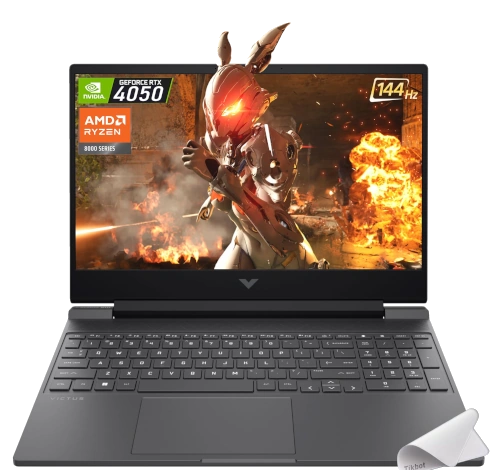
HP Victus Gaming 16t-s100 16" AMD Ryzen 5 8645HS RTX 4050
Up to $364 cash

Sell devices / Gaming laptops / Hp
Sell your gaming laptop for cash. Browse 137 models, choose your configuration, and check the cash offer for its condition. This catalog also includes older models for reference.
Start typing to see matching models and cash offers.
Up to $364 cash

Sell for up to $281 cash
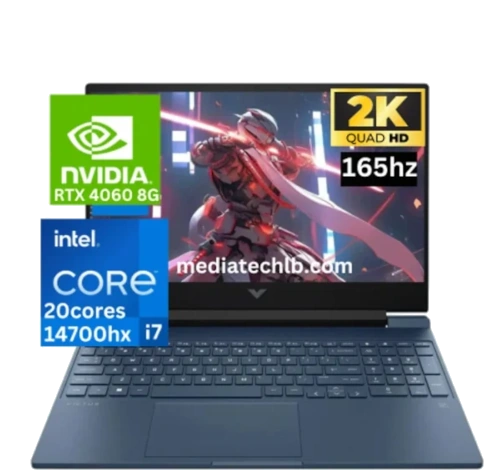
Get up to $392 in cash

Cash offer: up to $387

Up to $379 cash

Sell for up to $370 cash

Get up to $430 in cash
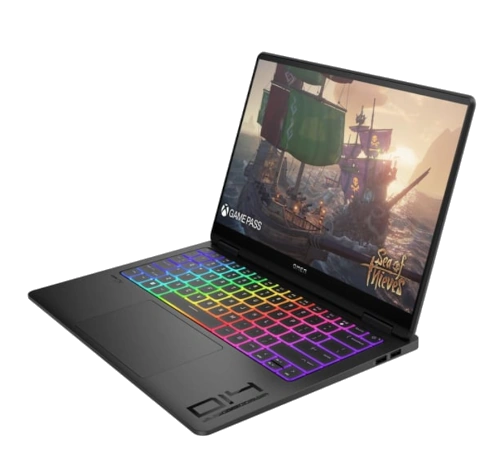
Up to $556 cash

Sell for up to $405 cash
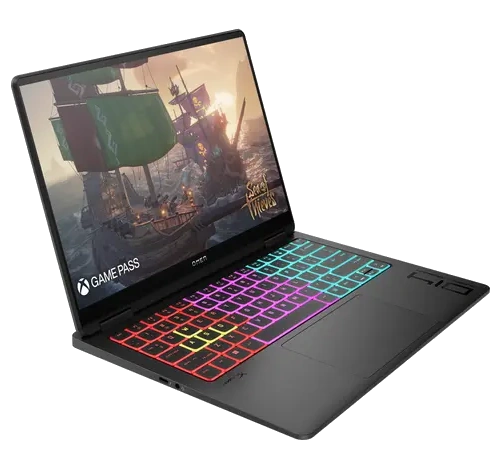
Get up to $396 in cash

Sell for up to $491 cash
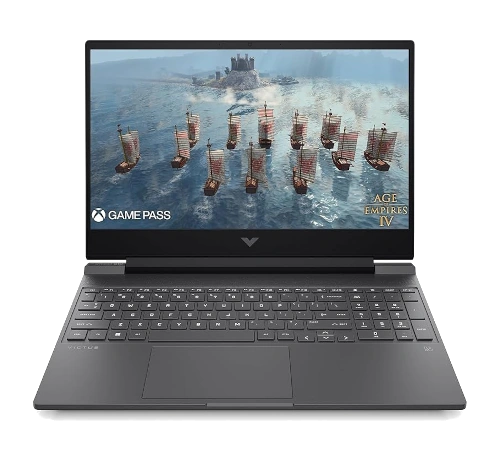
Up to $453 cash

Sell for up to $451 cash

Get up to $370 in cash

Cash offer: up to $360
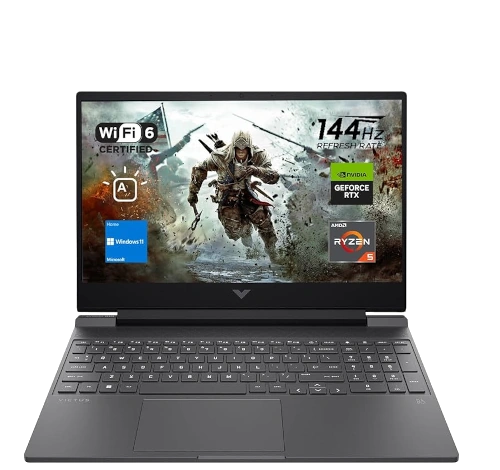
Up to $296 cash
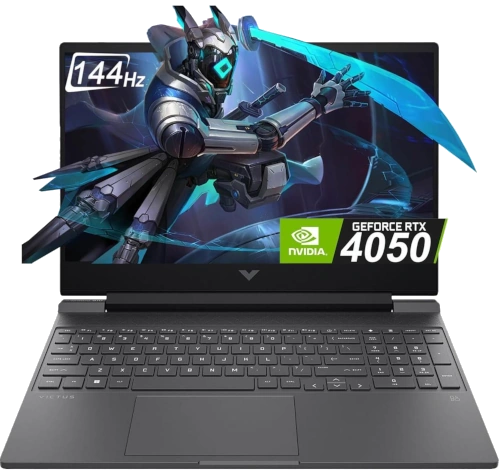
Sell for up to $361 cash
Up to $193 cash
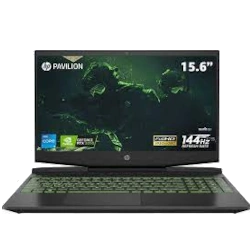
Get up to $334 in cash
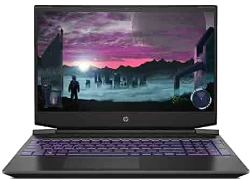
Sell for up to $251 cash

Sell for up to $199 cash
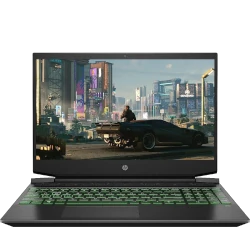
Get up to $199 in cash


Cash offer: up to $252

Cash offer: up to $280

Cash offer: up to $195
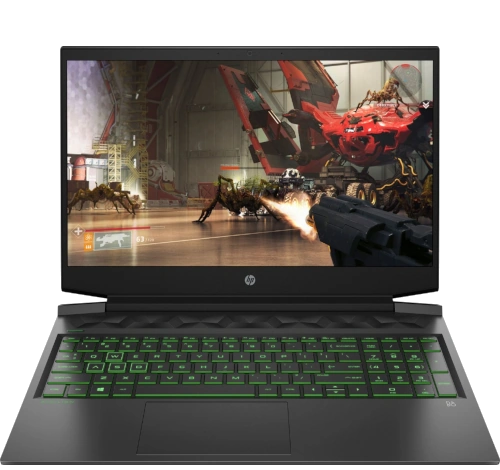
Cash offer: up to $329
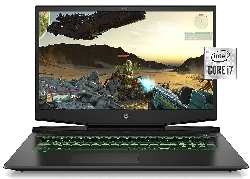
Cash offer: up to $334
Up to $247 cash

Sell for up to $227 cash

Get up to $227 in cash

Cash offer: up to $251
Up to $227 cash

Get up to $273 in cash

Cash offer: up to $329
Up to $227 cash
The exact GPU, processor, memory, and storage configuration help identify your model. Note overheating, a damaged screen, missing charger, keyboard problems, or a device that will not turn on when requesting your quote.
Remove accounts and passwords before shipping. Back up personal files first. For older models or a configuration you cannot find, request a custom quote. See how selling works for shipping, inspection, and payment.
Check the label underneath the laptop, its system information, or the manufacturer’s support tool. Include the GPU and processor: the same series can contain several configurations with different quotes.
Select your model and report the condition accurately, including power, display, keyboard, cooling, and charger problems. Availability varies by model. If yours is missing or too old for a listed offer, request a custom quote.
Compare the repair cost with the available quote before buying parts. Added memory or storage does not always cover its cost in resale value. Our model-specific guides below can help identify components and common faults.
Back up your files, sign out of accounts, and remove passwords. Follow the packing instructions supplied with your quote and disclose anything that prevents a reset. See our packing guide and selling process.
Relevant repair, upgrade, and selling articles from our published sitemap. New articles appear here automatically.
Want to sell upgraded laptop, get quick cash for broken laptop, or trade laptop for new one? The HP Omen 15 EN0023DX (15.6" gaming laptop with AMD Ryzen 7, RTX 3060/3070) is a solid performer that benefits greatly from DIY repairs and upgra…
Read the full guide →Pre-Disassembly Preparation & Gaming Laptop Valuation Essential Tools & Safety Equipment Safe Shutdown & Gaming Workspace Setup Bottom Cover Removal & Internal Access Battery Disconnection & Power Safety RAM Upgrade: Dual Channel & Performa…
Read the full guide →Introduction: Understanding Your HP Omen Transcend 14 Essential Safety Precautions & Required Tools Pre-Disassembly Preparation & Data Backup External Component Removal: Bottom Panel & Keyboard Battery Replacement & Power System Maintenance…
Read the full guide →Pre-TearDown: Gaming Laptop Valuation Bottom Panel Removal (Gamer-Focused Design) OMEN Tempest Cooling Tech DDR5 RAM Upgrade (64GB Max) Dual SSD Expansion (Gen4 x4) 83Wh Battery Replacement 165Hz IPS Display Repair DC Power Jack Replacement…
Read the full guide →Pre-Disassembly Prep Bottom Case Removal RAM Upgrade SSD Replacement Battery Replacement LCD Screen Repair Motherboard Replacement Maximizing Resale Value 1. HP Pavilion Gaming 16 Pre-Disassembly Preparation ⚠️ Critical Safety Precautions P…
Read the full guide →Video tutorial from our partners YouTube channel on how to disassemble HP OMEN-15-5113dx. Use at your own risk! Laptop condition in this video is used. We use laptops used, old, or new for the demo purpose only. This tutorial information ty…
Read the full guide →Videos featured in our existing blog articles. Match the guide to your exact model before attempting a repair.