
On this page
- Can You Sell an Old Laptop for Cash?
- How Much Money Is My Old Laptop Worth?
- Age Matters, but Specifications Matter Too
- Which Older Laptops Tend to Retain More Value?
- Business Laptops
- Mobile Workstations
- Gaming Laptops
- Premium Ultrabooks
- Should You Sell an Old Laptop or Keep It?
- Should You Upgrade an Old Laptop Before Selling It?
- Should You Repair an Old Laptop Before Selling It?
- Can You Sell an Old Laptop That Is Broken?
- Where Can You Sell an Old Laptop?
- Sell It Yourself
- Sell It Locally
- Manufacturer or Retailer Trade-In
- Specialized Laptop Buyback
- Sell an Old Laptop Online or Locally?
- How to Find the Exact Laptop Model
- Check the Specifications Before Selling
- Check the Condition Honestly
- Does the Original Charger Matter?
- Do You Need the Original Box?
- Remove Your Personal Data Before Selling
- How to Prepare an Old Laptop for Shipping
- What If the Laptop Is Too Old to Sell?
- Should You Recycle or Sell Your Old Laptop?
- Why Selling Sooner Can Matter
- How to Get Money for an Old Laptop
- Frequently Asked Questions
- Final Thoughts
Updated: November 11, 2026 | By: SellLaptopBack.com | Read time: 13 min read
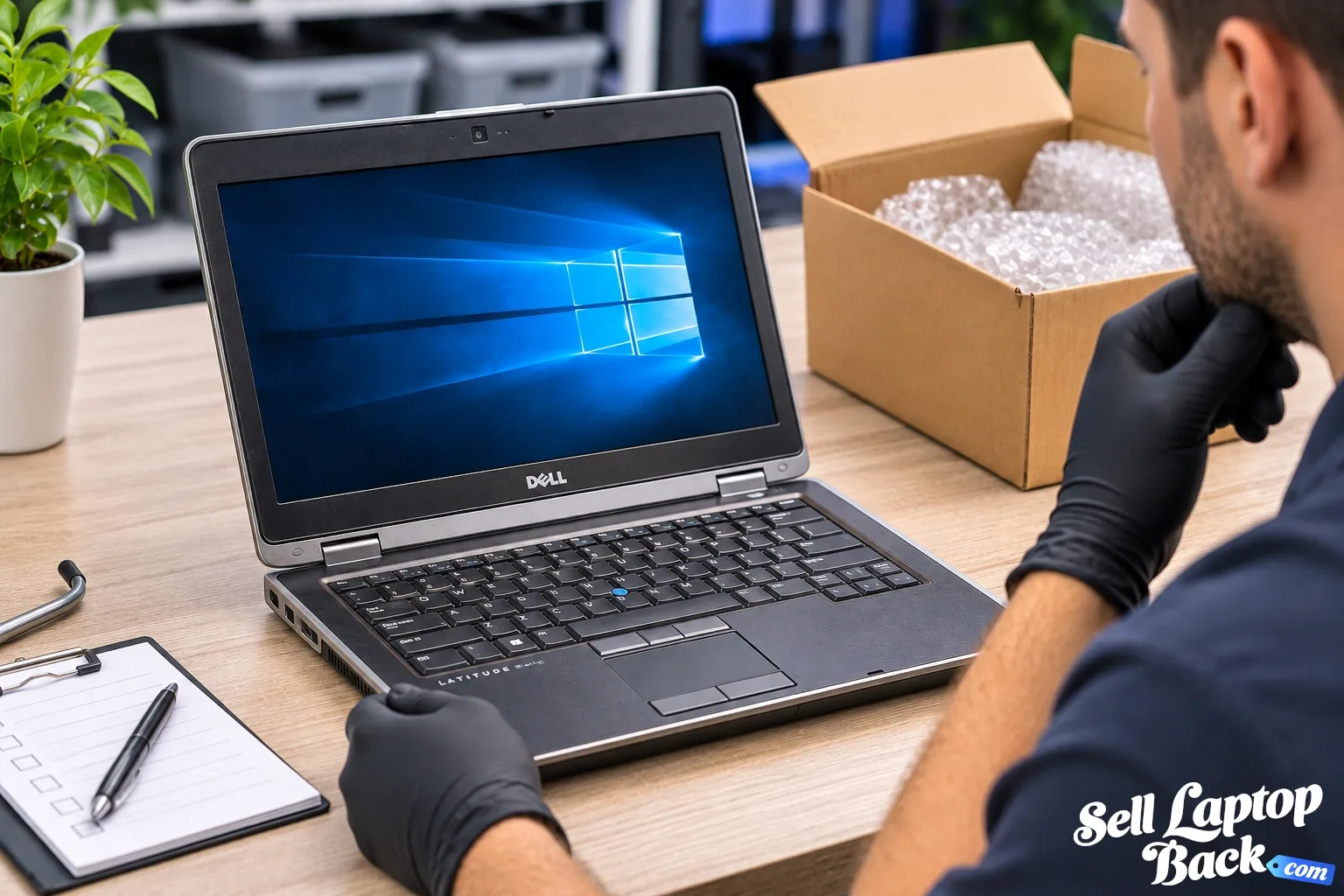
That old laptop sitting in a closet, drawer or home office may still be worth money. Even if you've already replaced it with a newer computer, age alone does not determine whether a laptop has cash value.
The exact model, processor, graphics hardware, memory, storage, condition and current demand all affect what an older laptop is worth. Some computers depreciate quickly, while premium business laptops, gaming systems, MacBooks and mobile workstations can retain useful resale value for considerably longer.
If you're ready to find out what yours is worth, you can find your laptop and check its current options. Or keep reading to understand whether selling, repairing, reusing or recycling your old computer makes the most sense.
Can You Sell an Old Laptop for Cash?
Yes. Used laptops are routinely resold, refurbished, repaired or reused for parts.
What matters is whether your particular laptop still has enough market or component value to justify purchasing it.
An “old laptop” can mean very different things. A basic computer from many years ago may have little remaining resale value, while a higher-end laptop from the same period may still contain desirable hardware.
That is why the first step should be identifying the exact computer rather than estimating its value based only on age.
How Much Money Is My Old Laptop Worth?
There is no useful flat percentage that tells you what every used laptop is worth.
Two laptops purchased for similar prices can depreciate very differently depending on their hardware, product family and condition.
The main factors affecting laptop resale value include:
- Manufacturer and exact model
- Age and processor generation
- Processor
- Dedicated graphics, when present
- RAM capacity
- SSD capacity
- Display configuration
- Battery health
- Physical condition
- Whether everything works
- Current demand for that model
Our laptop depreciation guide explains in more detail why computer values change over time.
Age Matters, but Specifications Matter Too
It's tempting to think of laptops simply as one-year-old, three-year-old or five-year-old machines. In practice, specifications can matter just as much.
Consider two laptops of the same age:
- One is an entry-level system with integrated graphics, limited memory and small storage.
- The other is a mobile workstation with a high-performance processor, dedicated graphics, substantial RAM and a larger SSD.
They may have been manufactured in the same year but can have dramatically different resale values.
For that reason, don't assume your laptop has no value simply because it is several years old.
Which Older Laptops Tend to Retain More Value?
Value varies by configuration, but certain categories can remain desirable longer than basic consumer systems.
Business Laptops
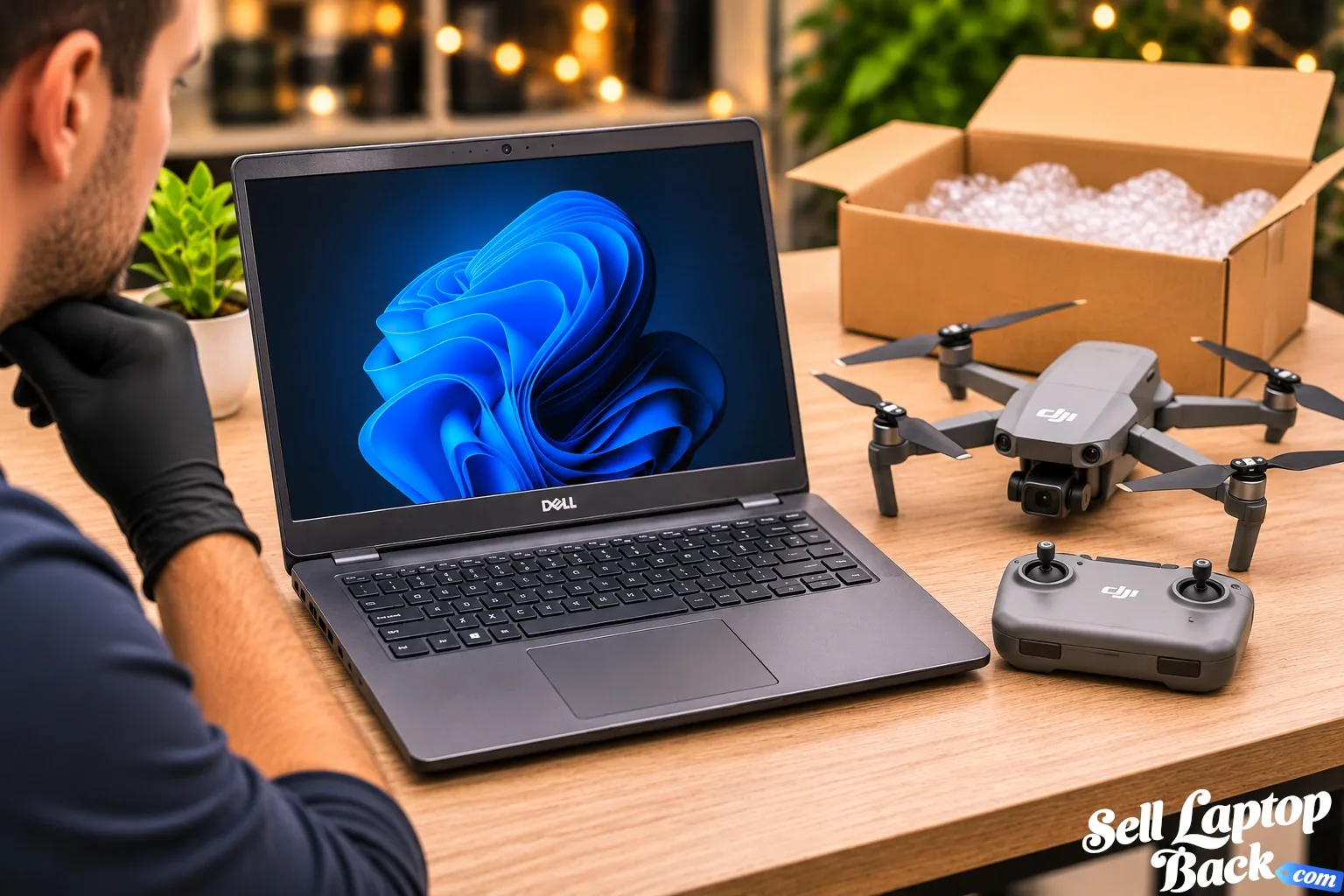
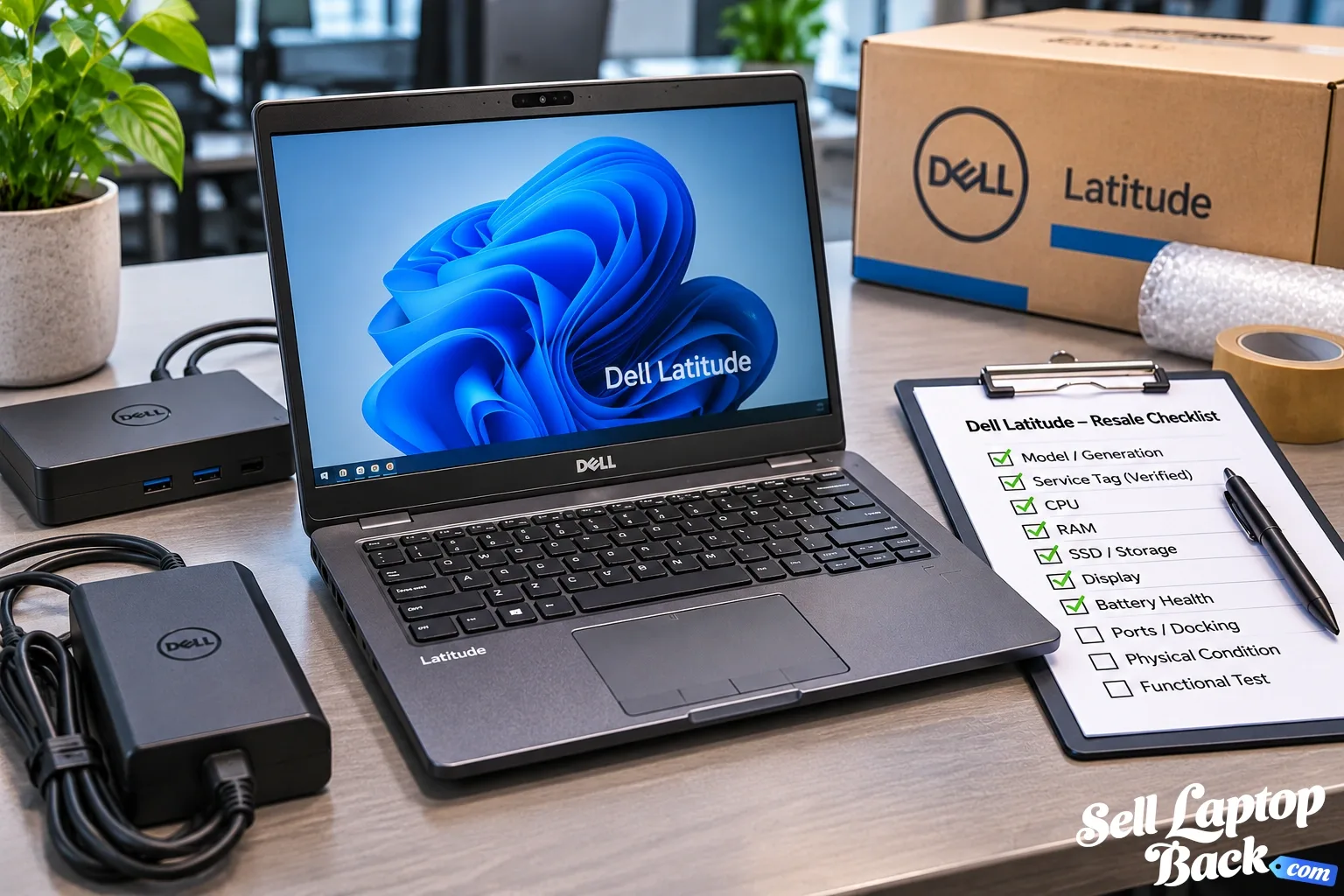
Business families such as Dell Latitude, Lenovo ThinkPad and HP EliteBook are commonly built for professional use and can remain useful long after their original purchase.
If you own one, see our dedicated guides:
- How Much Is My Dell Latitude Worth?
- How Much Is My Lenovo ThinkPad Worth?
- How Much Is My HP EliteBook Worth?
Mobile Workstations
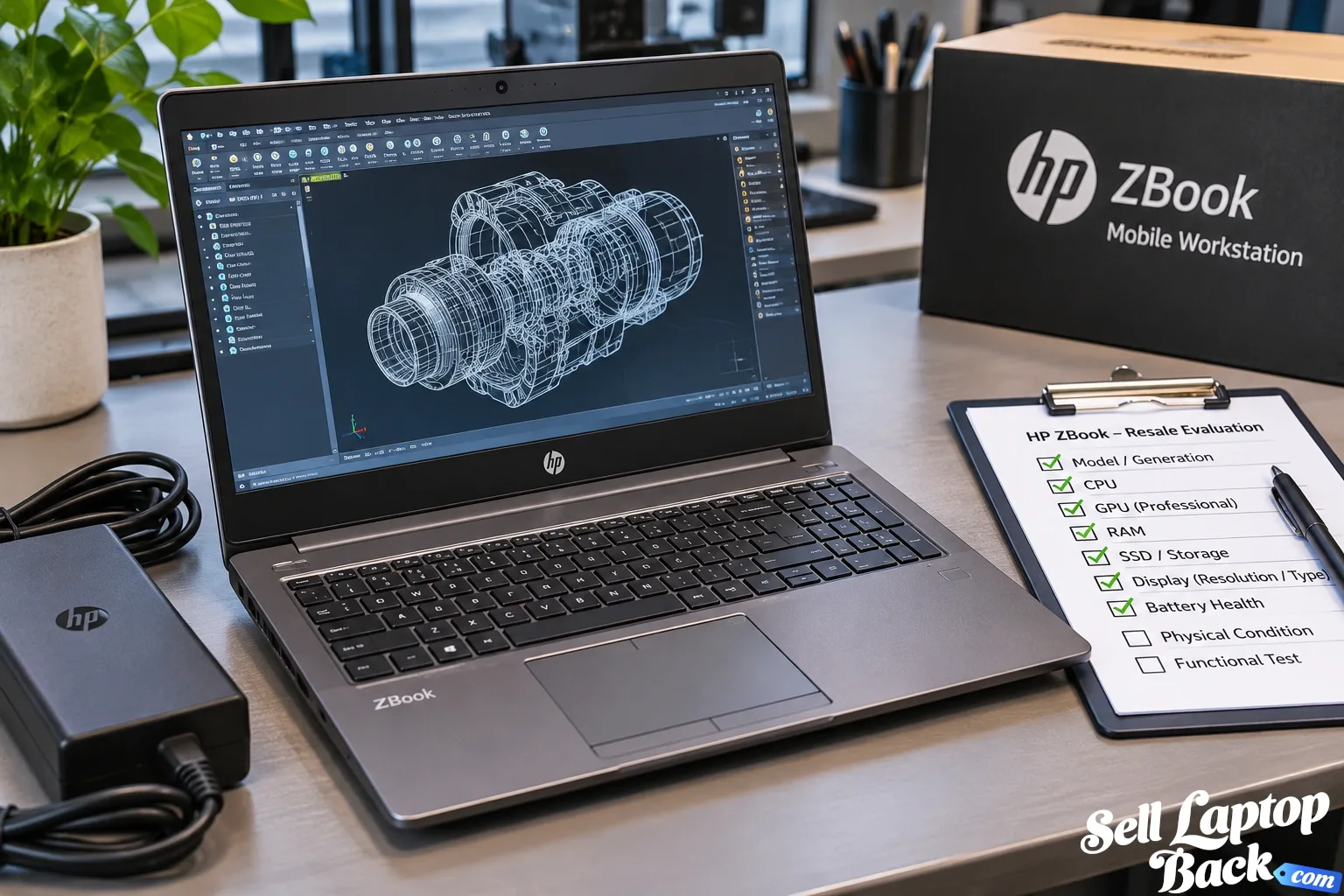
Professional workstations may retain value because of their higher-end processors, dedicated graphics, memory capacity and serviceability.
For HP workstation owners, see How Much Is My HP ZBook Worth?.
Gaming Laptops
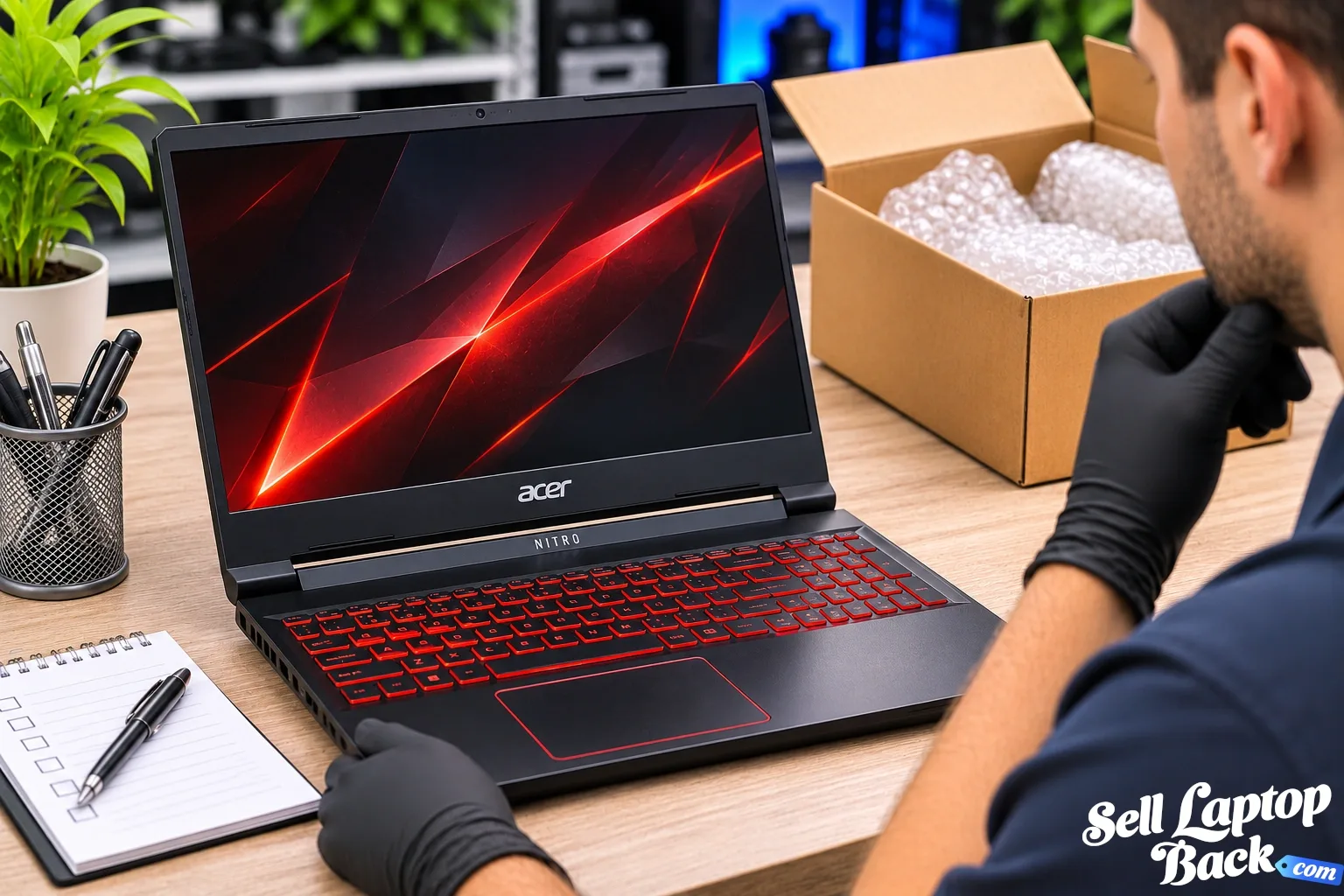
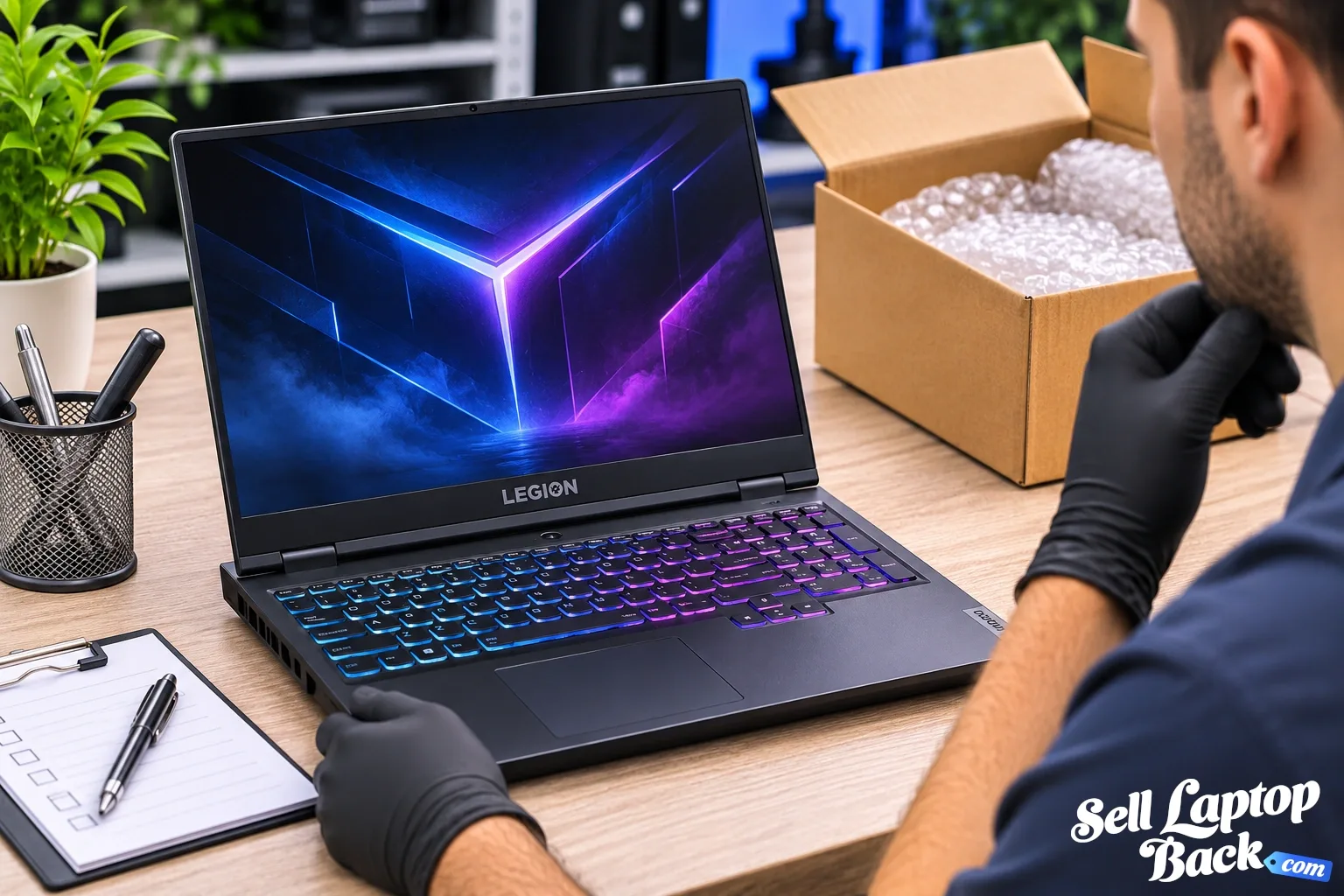
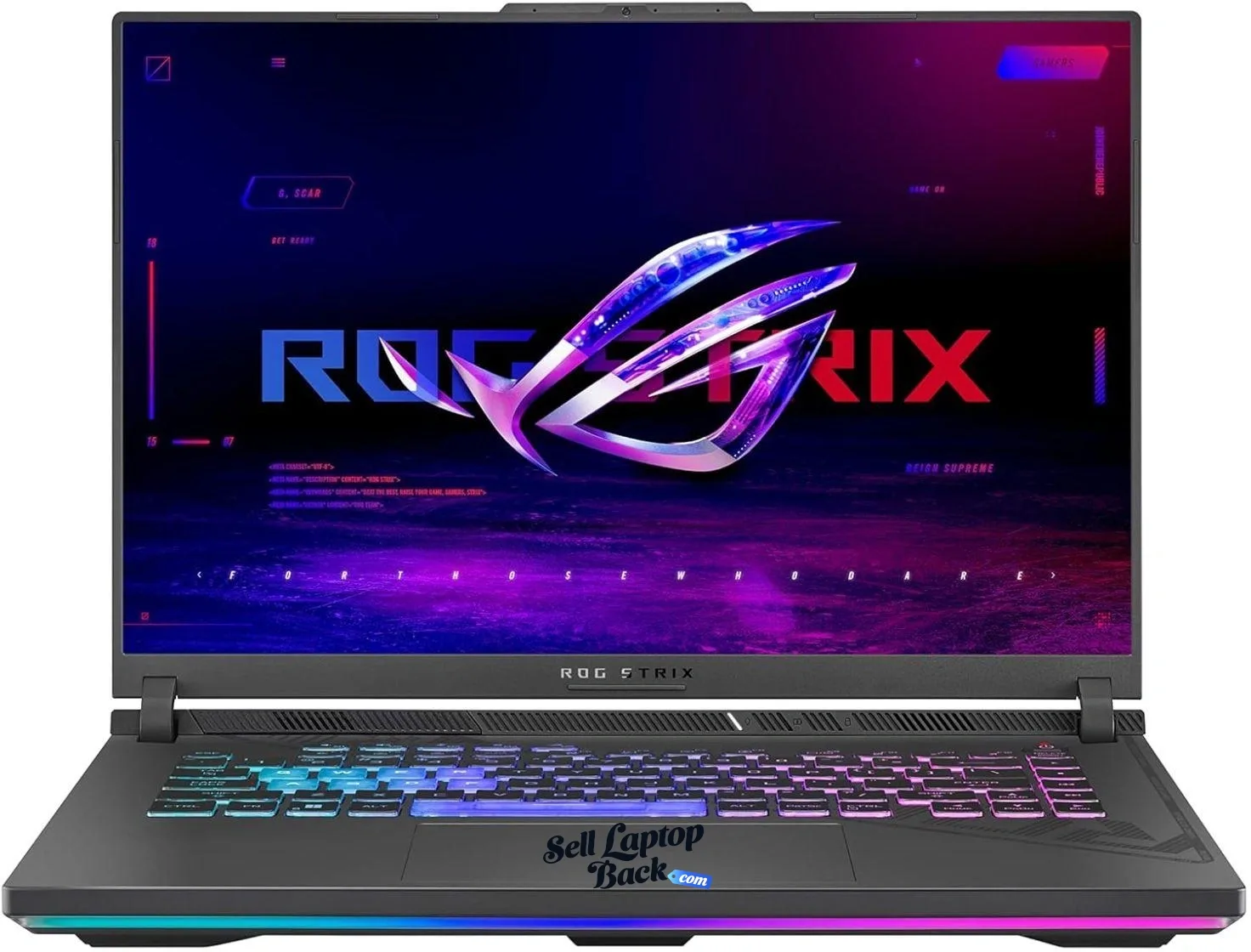
Gaming laptops can retain value when their dedicated GPUs and processors remain useful. GPU model, cooling condition, display, memory and storage all matter.
An older gaming laptop with desirable graphics hardware may be worth considerably more than a basic laptop manufactured in the same year.
Premium Ultrabooks
Premium machines such as Dell XPS models can also retain useful resale value depending on their generation and configuration.
See our Dell XPS value guide if you're evaluating one.
Should You Sell an Old Laptop or Keep It?
Not every older computer needs to be sold.
If the laptop still performs a useful job, keeping it may provide more value than selling it.
An older laptop can sometimes remain useful as:
- A secondary computer
- A travel laptop
- A school or homework computer
- A workshop computer
- A Linux machine
- A test system
- A lightweight media computer
- A remote-access terminal
The question is whether you will actually use it.
If the laptop has been sitting untouched for a year while its resale value continues to decline, selling it may make more sense than keeping it “just in case.”
Should You Upgrade an Old Laptop Before Selling It?
Usually, don't spend money on upgrades solely because you plan to sell the laptop.
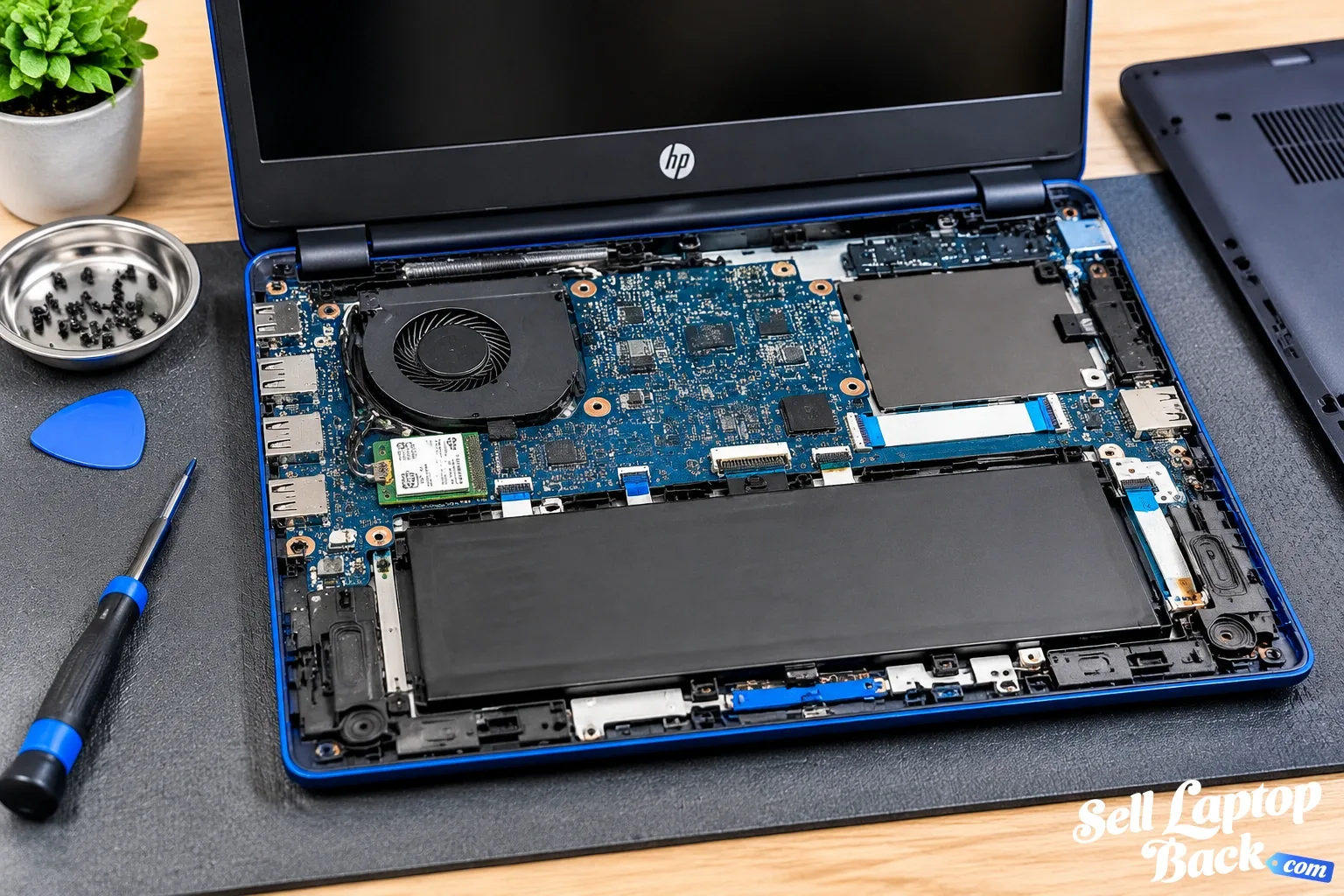
Installing additional RAM or a larger SSD can make an older laptop more useful to you, but the increase in resale value may be smaller than the cost of the upgrade.
For example, spending $100 on components does not guarantee that a buyer will pay $100 more for the computer.
If you already own compatible parts, the calculation can be different. Otherwise, check the laptop's current value before purchasing upgrades.
Should You Repair an Old Laptop Before Selling It?
The same principle applies to repairs.
First compare:
- What the laptop is worth working
- What the repair will cost
- What it is worth in its current condition
A $40 repair on a valuable computer may make sense. A $300 repair on a laptop worth $350 when working probably does not make sense if your only goal is to sell it afterward.
If your machine is damaged, our money for broken laptops guide explains how different defects affect remaining value.
Can You Sell an Old Laptop That Is Broken?
Potentially, yes.
A cracked screen, weak battery, damaged keyboard or other defect does not automatically eliminate all value.
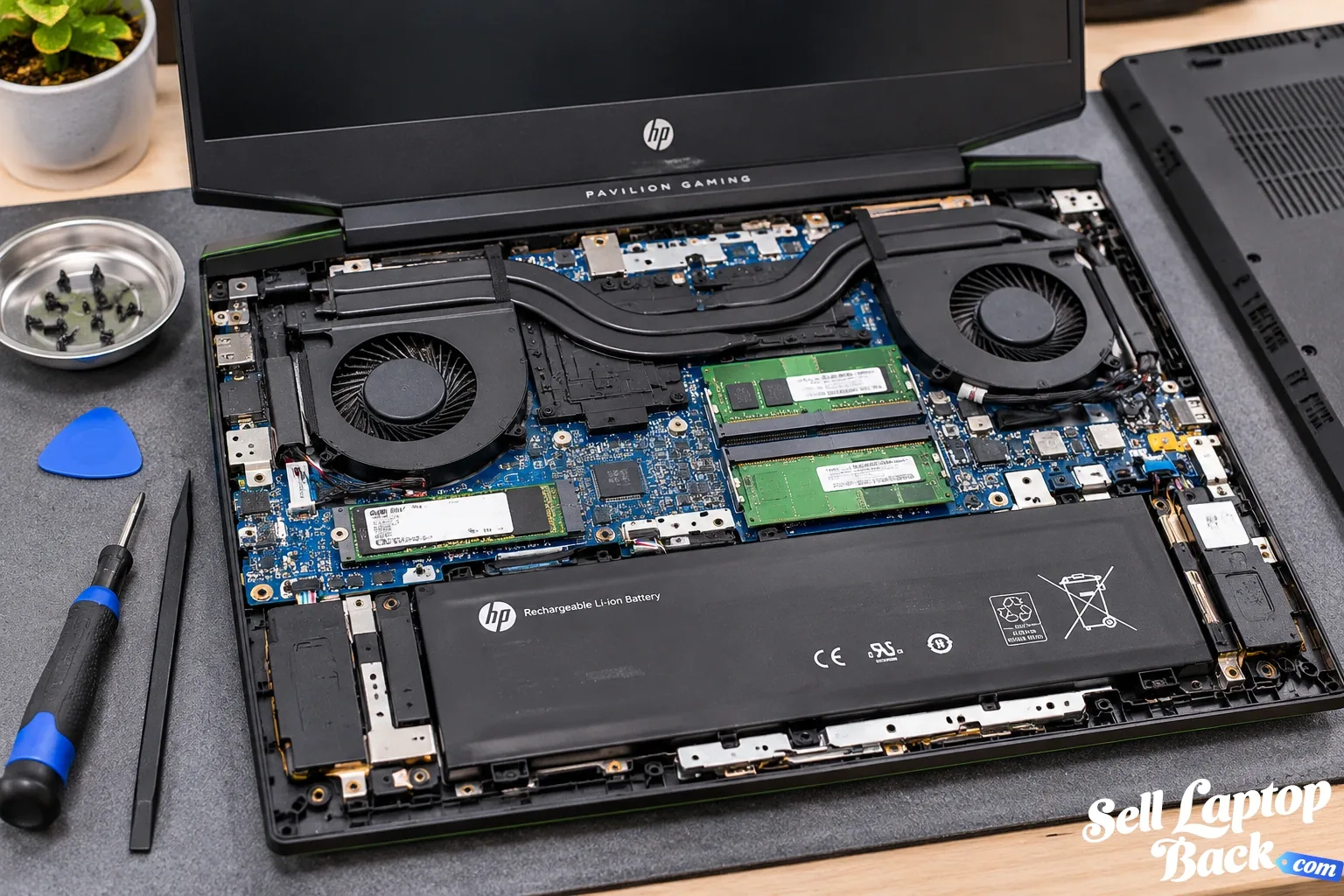
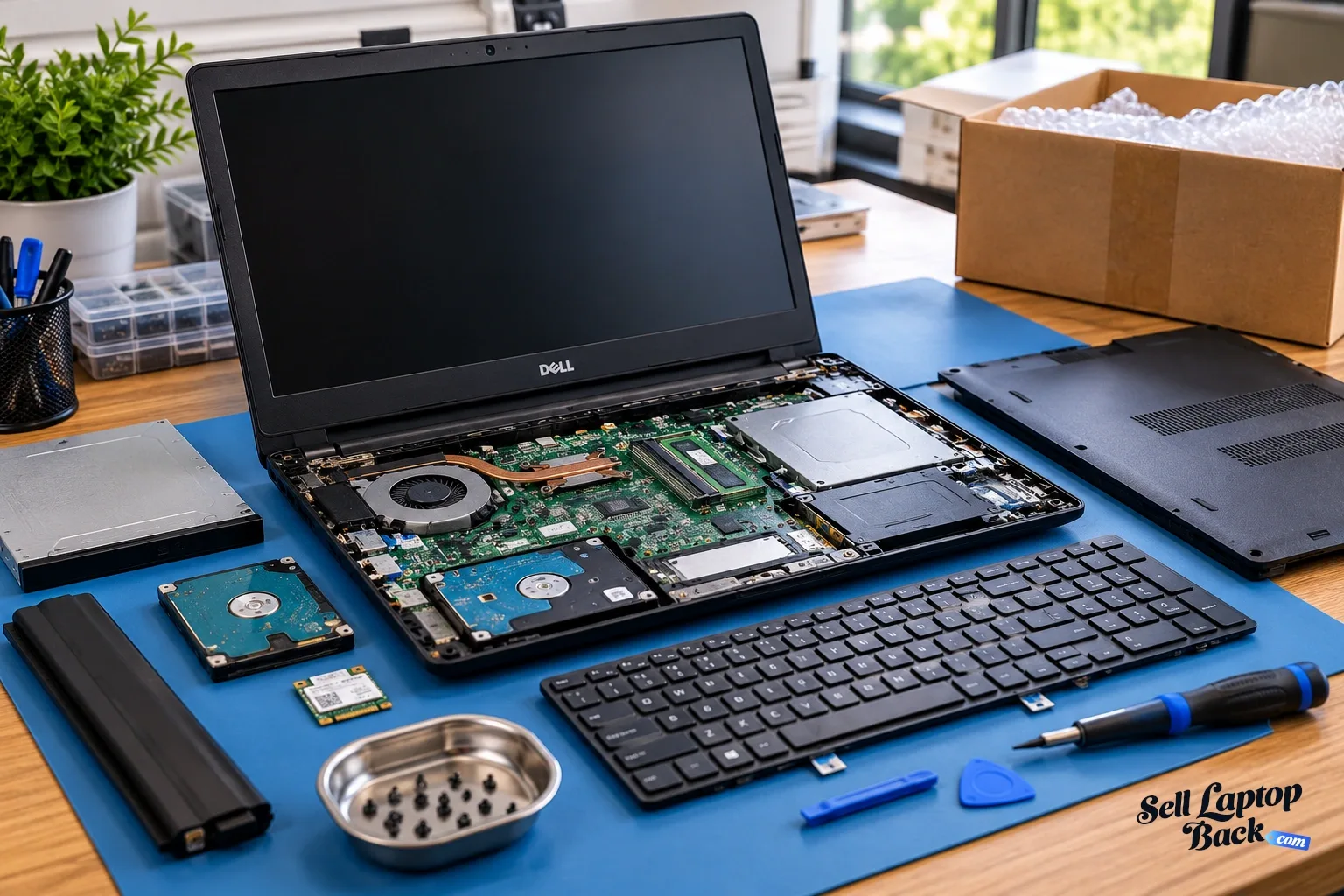
Even a computer that doesn't power on may contain usable components or be economically repairable depending on the model.
The key is to describe the condition accurately.
Instead of guessing that a motherboard is bad, for example, simply report that the laptop does not power on if that is what you actually know.
See our complete guide to selling a broken laptop for more information.
Where Can You Sell an Old Laptop?
You have several choices, and the best one depends on whether you prioritize maximum possible selling price, convenience or speed.
Sell It Yourself
Selling directly through an online marketplace gives you control over the asking price and listing.
However, you also handle:
- Researching the market price
- Taking photographs
- Writing the listing
- Answering buyer questions
- Packaging
- Shipping
- Marketplace fees when applicable
- Potential returns or disputes
That can make sense for valuable laptops when you're comfortable managing the transaction yourself.
Sell It Locally
Local marketplaces can eliminate shipping, but you need to find a buyer and handle the transaction yourself.
Use appropriate precautions when meeting an unknown buyer and protect your personal information before transferring the computer.
Manufacturer or Retailer Trade-In
Trade-in programs can be convenient when you're already purchasing another device.
Eligibility, accepted conditions and value vary by program, so compare the offer rather than assuming a trade-in is automatically the best option.
Specialized Laptop Buyback
A laptop buyback service focuses specifically on identifying and evaluating used computers.
With SellLaptopBack, you can find your exact laptop, select its condition and see the available offer or current disposition for that model.
Sell an Old Laptop Online or Locally?
There is no universally correct choice.
Local selling can work well when you have an active market nearby and don't mind meeting buyers. Online marketplaces can expose the computer to more potential buyers but require more work.
A direct buyback can reduce the amount of time spent creating listings, negotiating and waiting for someone to purchase the computer.
The best option depends on how you value your time as well as the potential selling price.
How to Find the Exact Laptop Model
Before checking what an old laptop is worth, identify it correctly.
Depending on the manufacturer, model information may be found:
- On the bottom case
- On a manufacturer label
- Inside BIOS or UEFI
- In Windows system information
- In manufacturer support software
A family name alone may not be enough.
For example, “Dell XPS 13” covers numerous generations. Processor, RAM, storage and display configurations can vary substantially between them.
Check the Specifications Before Selling
Once you know the model, confirm the important specifications when possible.
Look for:
- CPU model
- GPU model
- RAM capacity
- SSD or storage capacity
- Display type
- Operating condition
These details help distinguish configurations that otherwise look identical from the outside.
Check the Condition Honestly
Condition affects value, but accurate condition information is more useful than trying to make an old laptop sound perfect.
Inspect:
- Screen
- Keyboard
- Trackpad
- Hinges
- Case
- Ports
- Battery
- Charger
- Wi-Fi
- Webcam
- Speakers
If something doesn't work, disclose it. A correct condition assessment helps produce a more realistic value.
Does the Original Charger Matter?
A working compatible charger can add practical value because the next owner needs a way to power the laptop.
However, don't automatically purchase a replacement charger just to sell an old machine.
First compare the charger cost with any difference it makes to the offer.
Do You Need the Original Box?
For most ordinary used laptops, no.
The original box can be convenient and may matter to collectors or buyers of particularly recent premium equipment, but it usually has far less influence on value than the computer's specifications and condition.
A proper shipping box and protective packing are much more important when sending a laptop.
Remove Your Personal Data Before Selling
Before transferring a working laptop to another owner, back up anything you want to keep.
Then sign out of your accounts and follow the appropriate reset or data-removal procedure for the operating system and device.
Do not rely on manually deleting a few documents and assuming all personal information is gone.
If the laptop does not work and you are particularly concerned about data stored on a removable drive, determine whether the SSD or hard drive can be removed. Keep in mind that selling a laptop without its storage device can affect its value.
How to Prepare an Old Laptop for Shipping
Use a sturdy shipping box with enough protective material to keep the laptop from moving during transit.
If you're including a charger, pack it so the heavy power adapter cannot strike the laptop inside the box.
Before shipping:
- Shut the computer down
- Remove loose accessories
- Protect the display and chassis
- Cushion all sides
- Prevent movement inside the box
- Seal the package securely
See our packing and shipping guide for more information.
What If the Laptop Is Too Old to Sell?
Eventually, some laptops reach a point where they have little or no remaining cash value.
That commonly happens when an older computer combines low market demand with outdated hardware, worn components or significant damage.
A $0 offer does not mean the laptop belongs in household trash.
Electronics can contain batteries, circuit boards, metals and other materials that should be handled through appropriate reuse or recycling channels.
The U.S. Environmental Protection Agency provides information about electronics donation and recycling.
Should You Recycle or Sell Your Old Laptop?
Check whether the computer still has resale value first.
If it does, reuse through resale can extend the useful life of the device.
If it has reached the end of its practical life and there is no meaningful resale value, responsible electronics recycling becomes the better option.
The choice isn't simply “sell it or throw it away.” Reuse, repair, resale, donation and recycling are all possibilities depending on the machine.
Why Selling Sooner Can Matter
Unused electronics generally do not become more valuable while sitting in a closet.
New processor generations, GPUs and laptop designs continue entering the market, while batteries age even when the computer receives little use.
If you've already replaced a laptop and know you won't use the old one again, checking its value sooner can make more sense than rediscovering it several years later.
This is especially relevant for higher-end systems that may still have substantial value today.
How to Get Money for an Old Laptop
The process starts with three pieces of information:
- What laptop is it?
- What specifications does it have?
- What condition is it in?
Once you know those, you can compare your selling options intelligently rather than guessing from the original purchase price.
If you want to check SellLaptopBack directly, browse the laptop catalog or start from the homepage.
Frequently Asked Questions
Can I sell an old laptop for cash?
How much money can I get for my old laptop?
Should I sell or recycle my old laptop?
Should I repair my old laptop before selling it?
Can I sell an old laptop that doesn't work?
Should I upgrade an old laptop before selling it?
Does my old laptop need the original charger or box?
What should I do with a laptop that has no resale value?
Final Thoughts
An old laptop isn't automatically worthless just because you've replaced it.
Before leaving it in a closet or sending it to recycling, identify the exact model, check its specifications and evaluate its condition. You may discover that the computer still has meaningful resale value.
If it works and remains useful, keeping or repurposing it may make sense. If you're finished with it, selling sooner can recover value before additional depreciation and battery aging take their toll.
If it is too old to have meaningful resale value, choose responsible reuse or electronics recycling instead of household disposal.
Find your laptop and check its current options, read about getting money for a broken laptop, or start from the SellLaptopBack homepage.